 Spritual4,568 copies
 309 copies
Spritual · Free image prompt
Aadiyogi Photo Prompt
Make this look your own. Copy the full prompt and follow the guide below.
The prompt
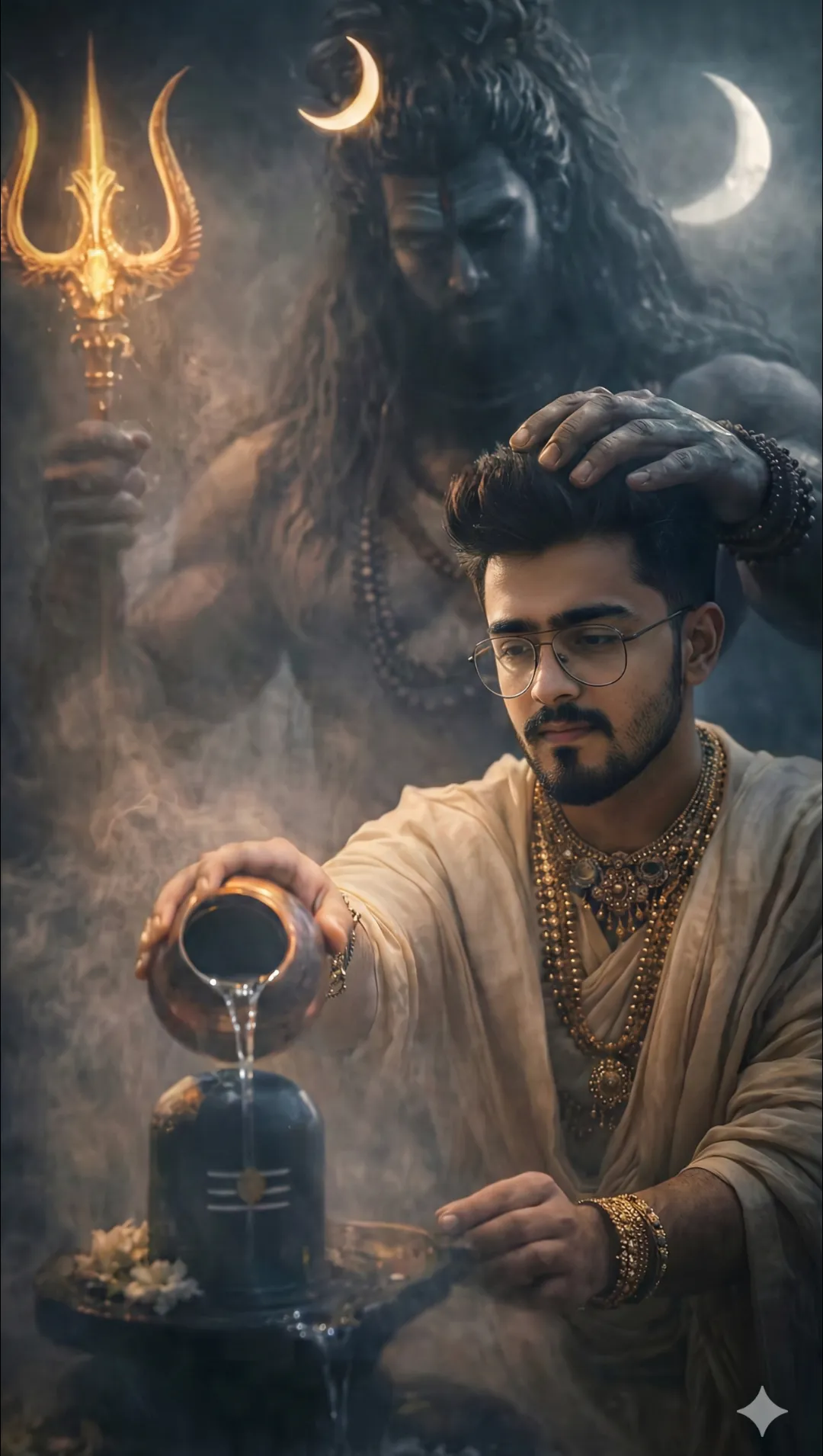
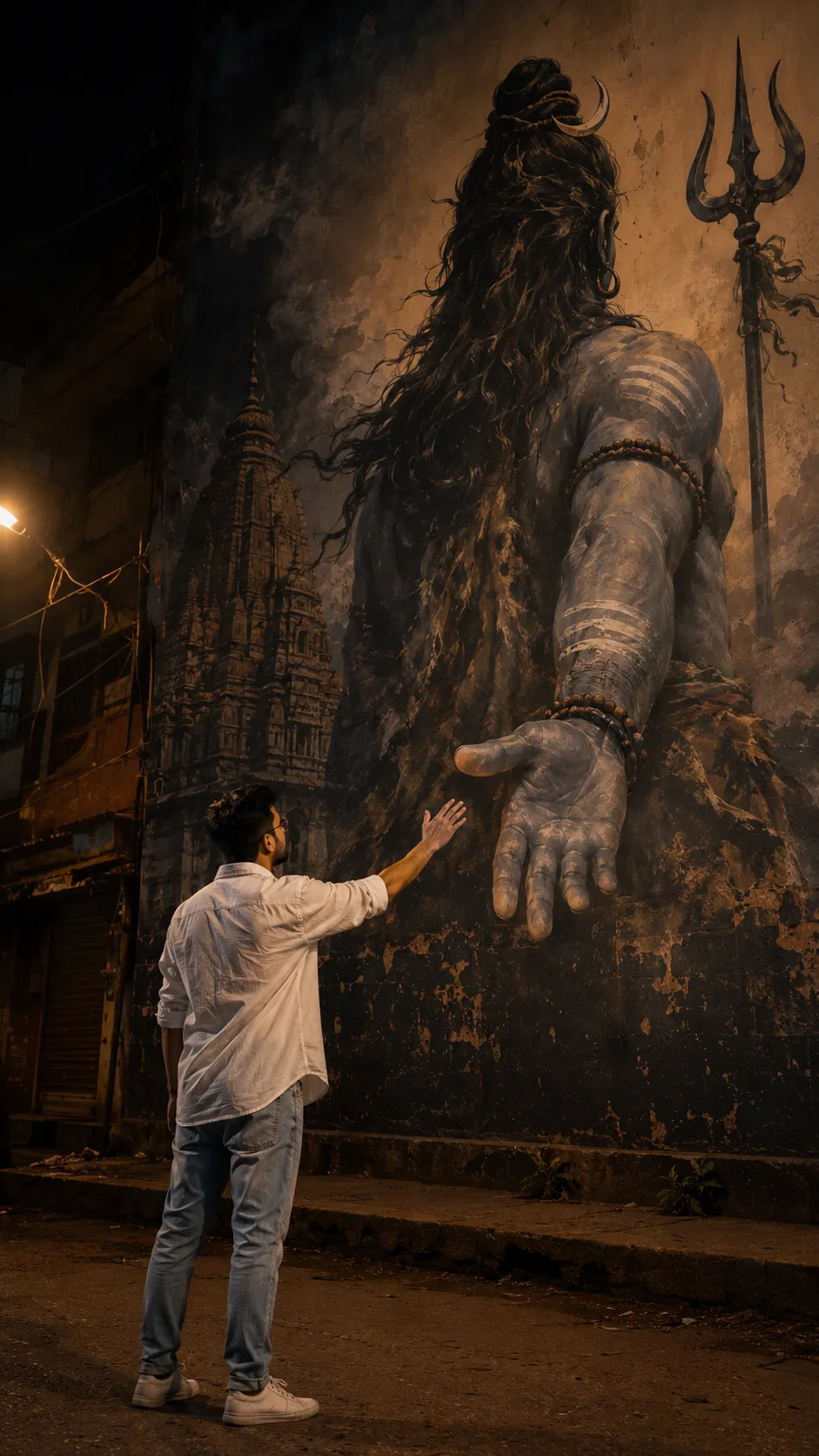
Read the guide**Transform the uploaded person into an ultra-realistic cinematic travel selfie at the Adiyogi Shiva Statue, Isha Yoga Center, Coimbatore. Preserve the person's facial identity exactly as uploaded. The subject is holding the phone with one hand in a dramatic 0.5x ultra-wide selfie while smiling naturally and extending the other arm toward the majestic Adiyogi statue in a welcoming gesture. Position the subject slightly to the left side of the frame so the entire Adiyogi statue remains fully visible and never blocked by the person. Style the subject with thick, medium-long messy wavy hair, slightly damp, with soft strands naturally falling over the forehead. Dress the subject in a fashionable black-and-white oversized checkered overshirt layered over a plain white T-shirt, loose baggy blue denim jeans, chunky white sneakers, and a minimal wristwatch. Create a cinematic monsoon atmosphere with dark rain clouds, light drizzling rain, wet stone flooring with realistic reflections, soft mist, cool moody tones, and warm golden sunlight breaking through the clouds. Include realistic tourists around the plaza, authentic natural lighting, detailed skin texture, realistic raindrops on clothing and hair, DSLR-quality travel photography, HDR, shallow depth of field, ultra-detailed, highly realistic, 8K, vertical 9:16.
No sign-up needed. You can also select and copy the text manually.
More inspiration for you
View all →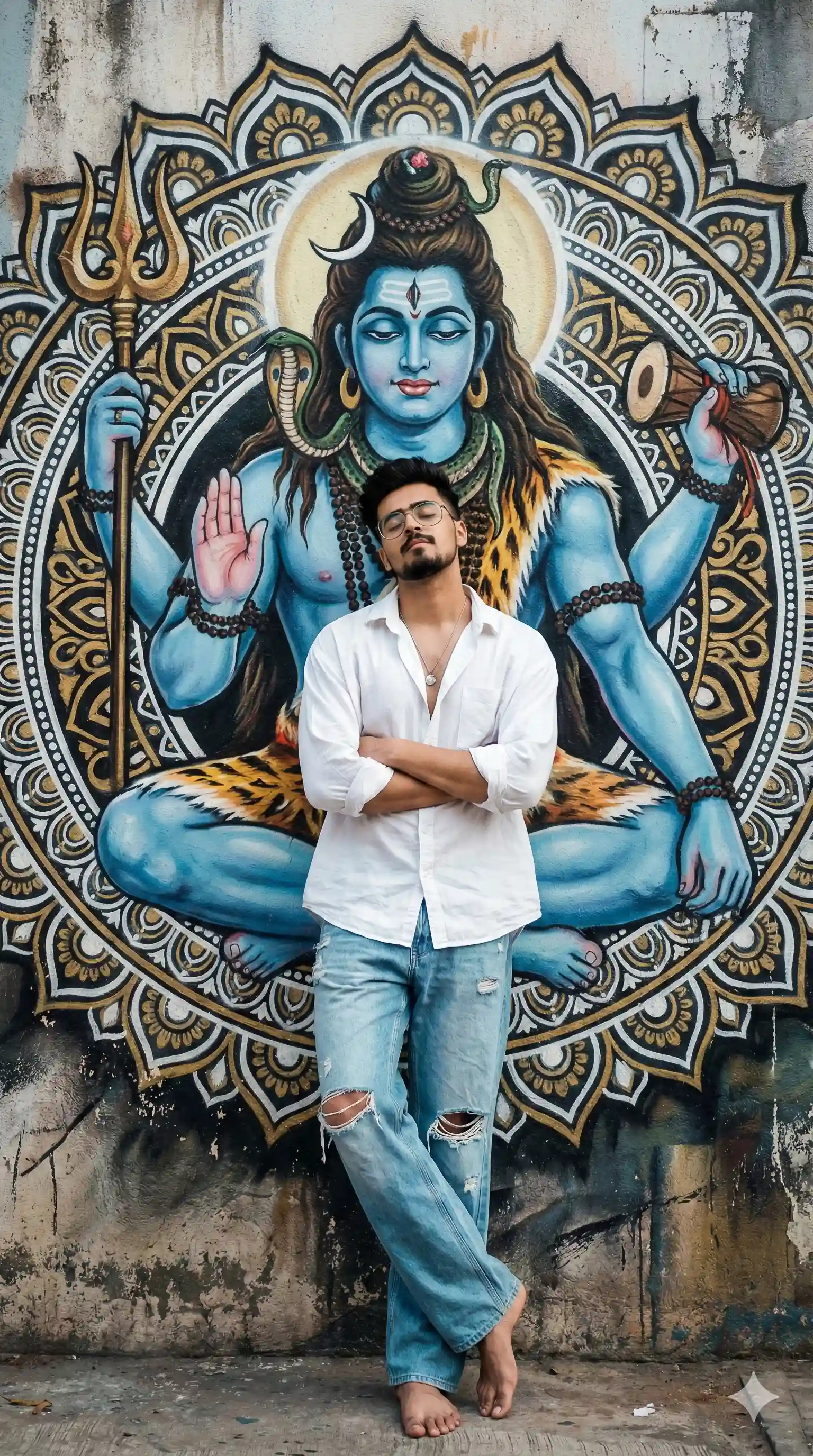
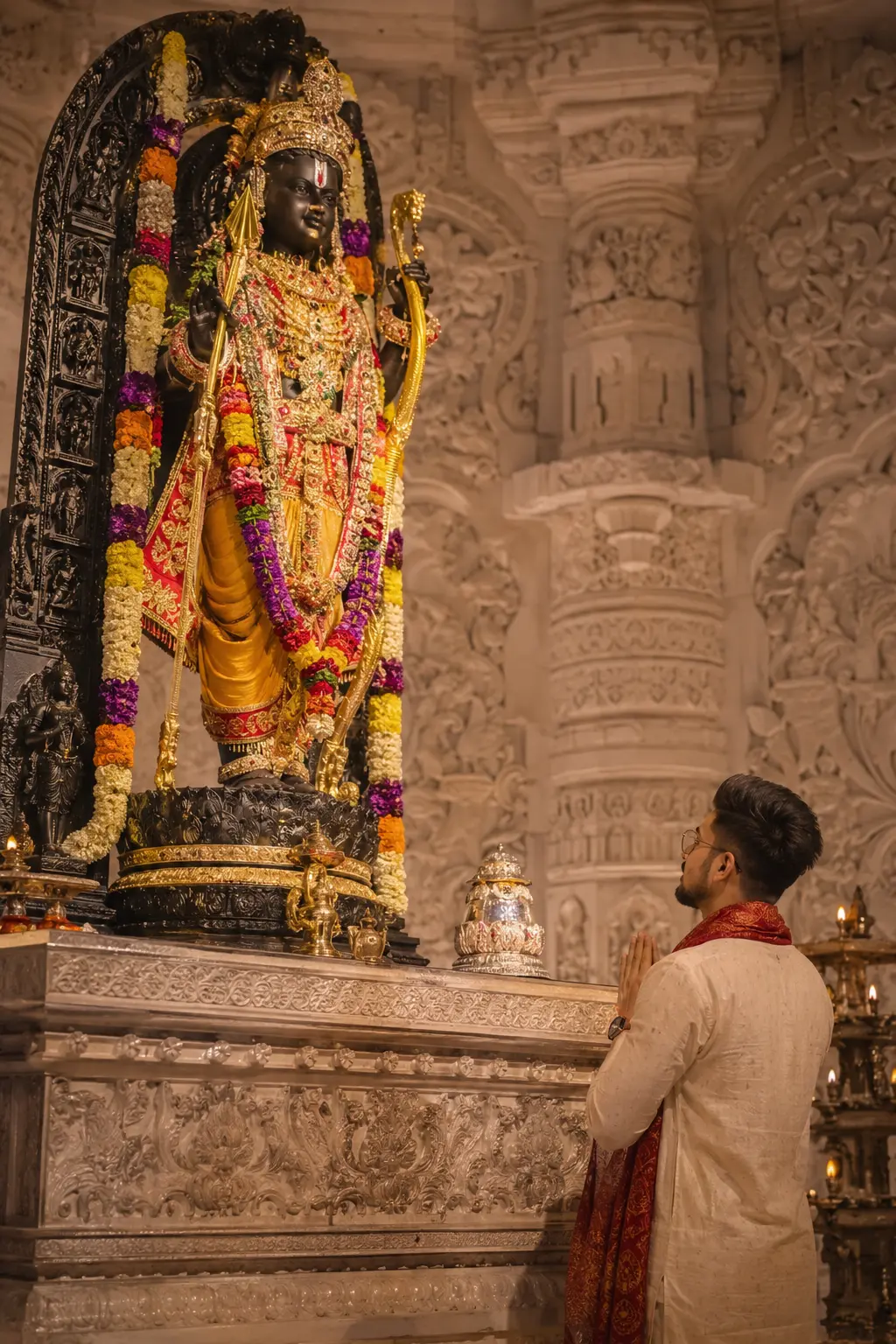
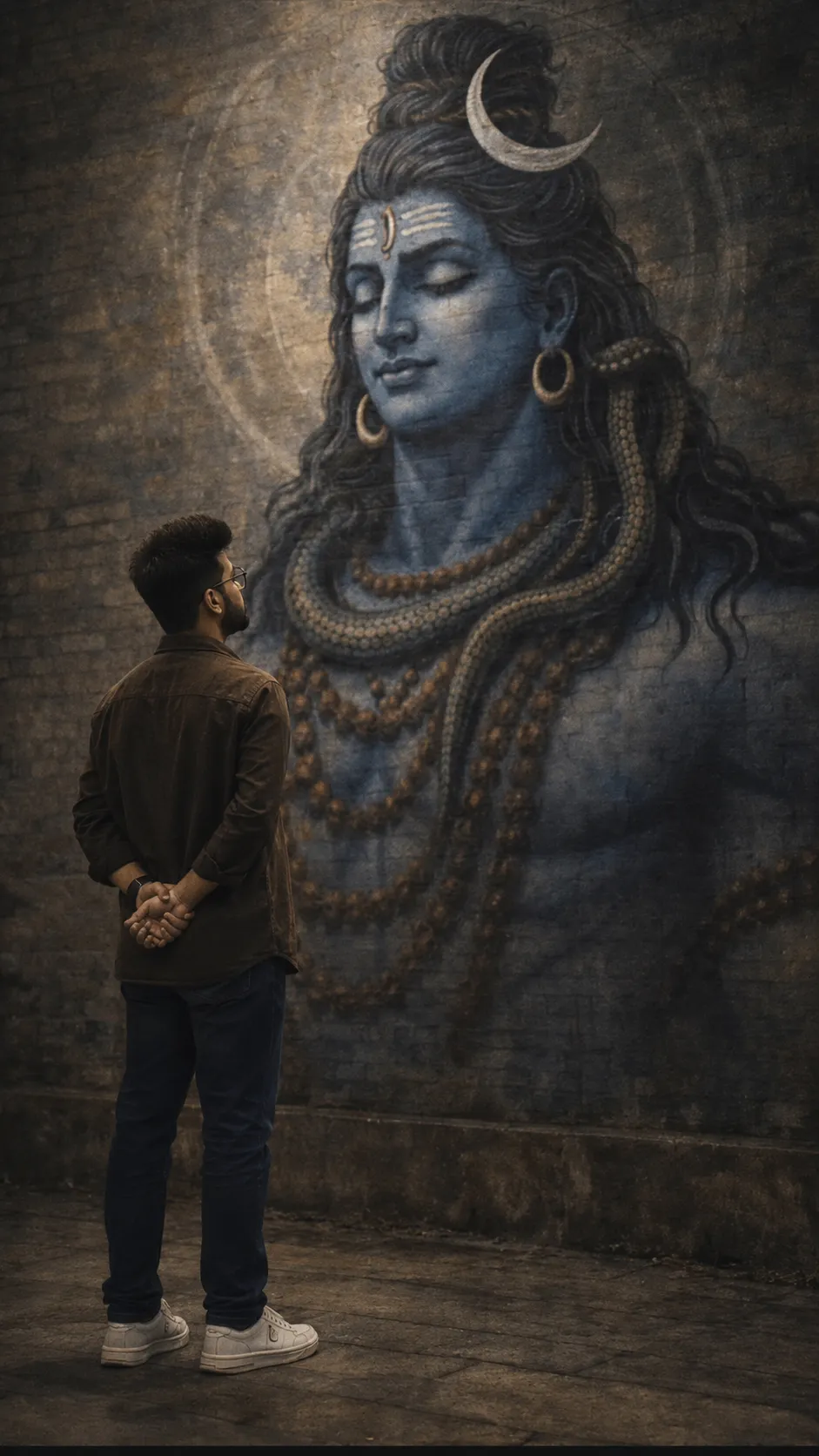
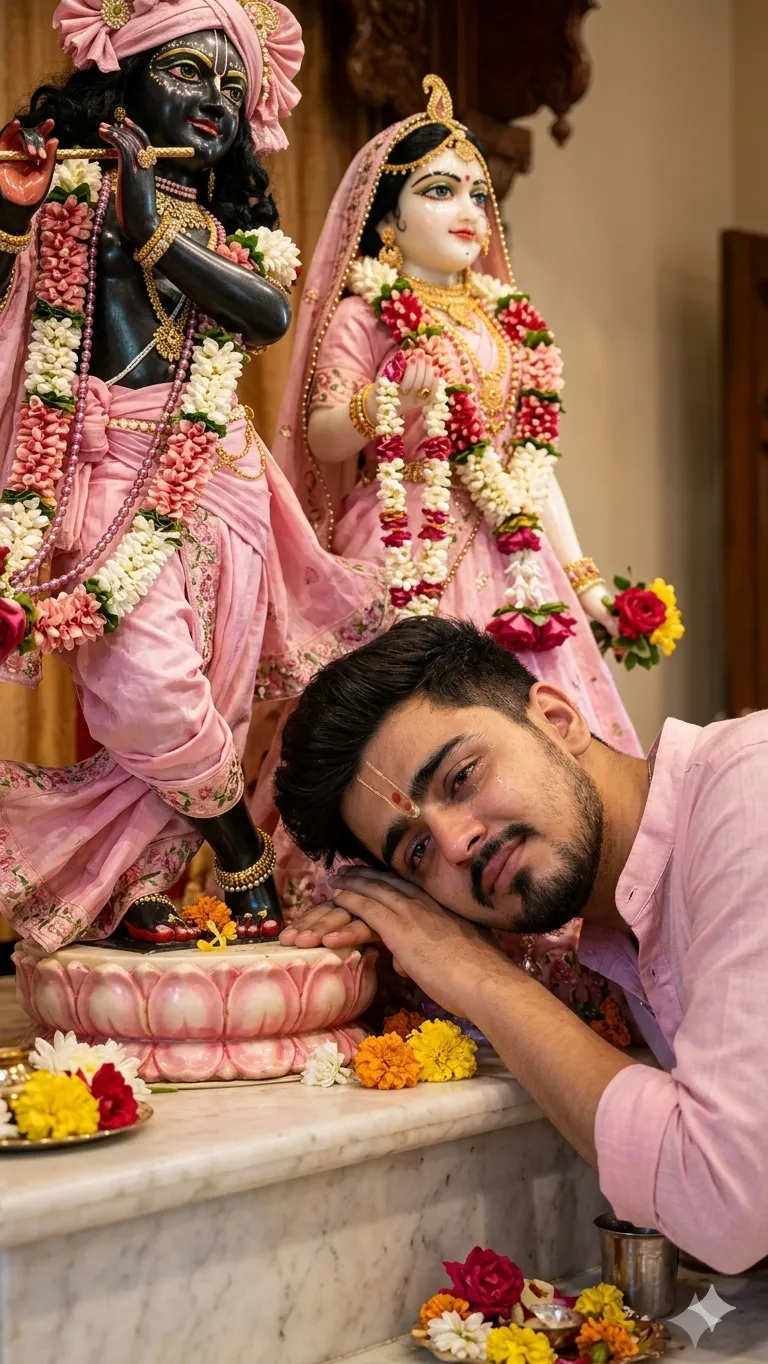
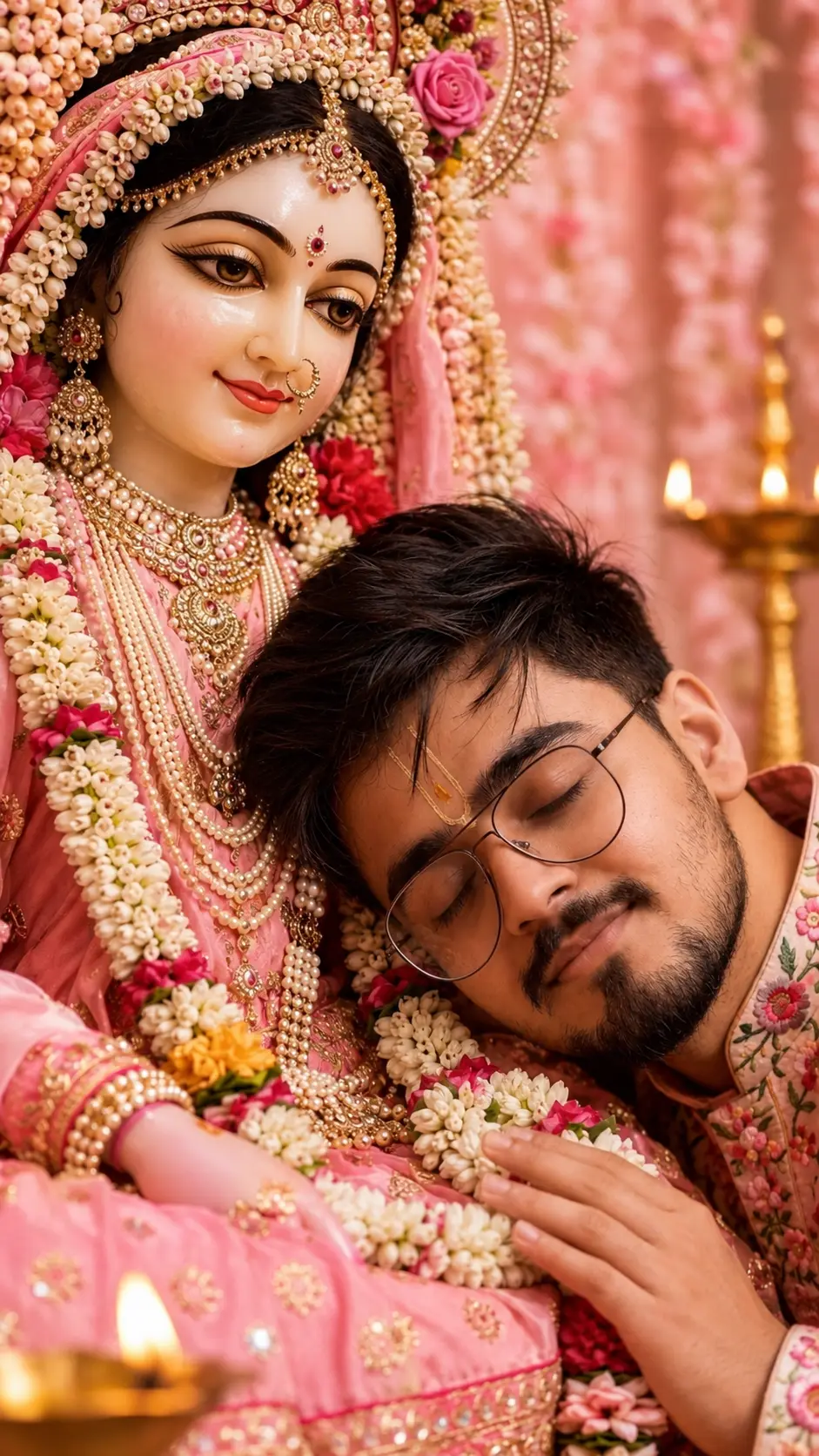
SponsoredAd
The creator's guide
How to use Aadiyogi Photo Prompt
Use “Aadiyogi Photo Prompt” as a starting point for your Spritual creation. The guide below highlights instructions from this specific prompt and shows what to change when adapting it to your own idea.
01
Get ready
Start with a clear reference photo. Upload it to an AI tool that accepts images before pasting the prompt. Choose a well-lit image with the subject unobstructed.
02
Copy & create
Copy the complete prompt above, paste it into your AI tool, and generate a first version. Keep the original instructions for your first attempt.
03
Refine one detail
Check the eyes, hands, skin texture, and likeness first. If the face changes too much, ask to preserve the reference identity and remove conflicting appearance instructions.
Inside this prompt
Lighting
Include realistic tourists around the plaza, authentic natural lighting, detailed skin texture, realistic raindrops on clothing and hair, DSLR-quality travel photography, HDR, shallow depth of field, ultra-detailed, highly realistic, 8K,…
Composition
Position the subject slightly to the left side of the frame so the entire Adiyogi statue remains fully visible and never blocked by the person
Style
**Transform the uploaded person into an ultra-realistic cinematic travel selfie at the Adiyogi Shiva Statue, Isha Yoga Center, Coimbatore
Three variations to try
Try one follow-up at a time after generating your first result.
Change the mood
Keep the subject and composition. Replace the lighting with soft natural window light and a calm, muted palette.
Make it your own
Keep the visual style. Replace the setting with a location of your choice and remove any details that conflict with the new scene.
Adapt the framing
Keep the face and identity consistent. Leave extra space around the head and shoulders for a square profile-picture crop.
If your result looks different
The preview is a visual reference, not a guaranteed output. Results vary by model, settings, and reference image. Keep the instructions that matter most, remove contradictions, and change one detail between attempts.