 Spiritual6,007 copies
 360 copies
Anyltics · Free image prompt
Chatgpt Style Report Prompt
Make this look your own. Copy the full prompt and follow the guide below.
The prompt
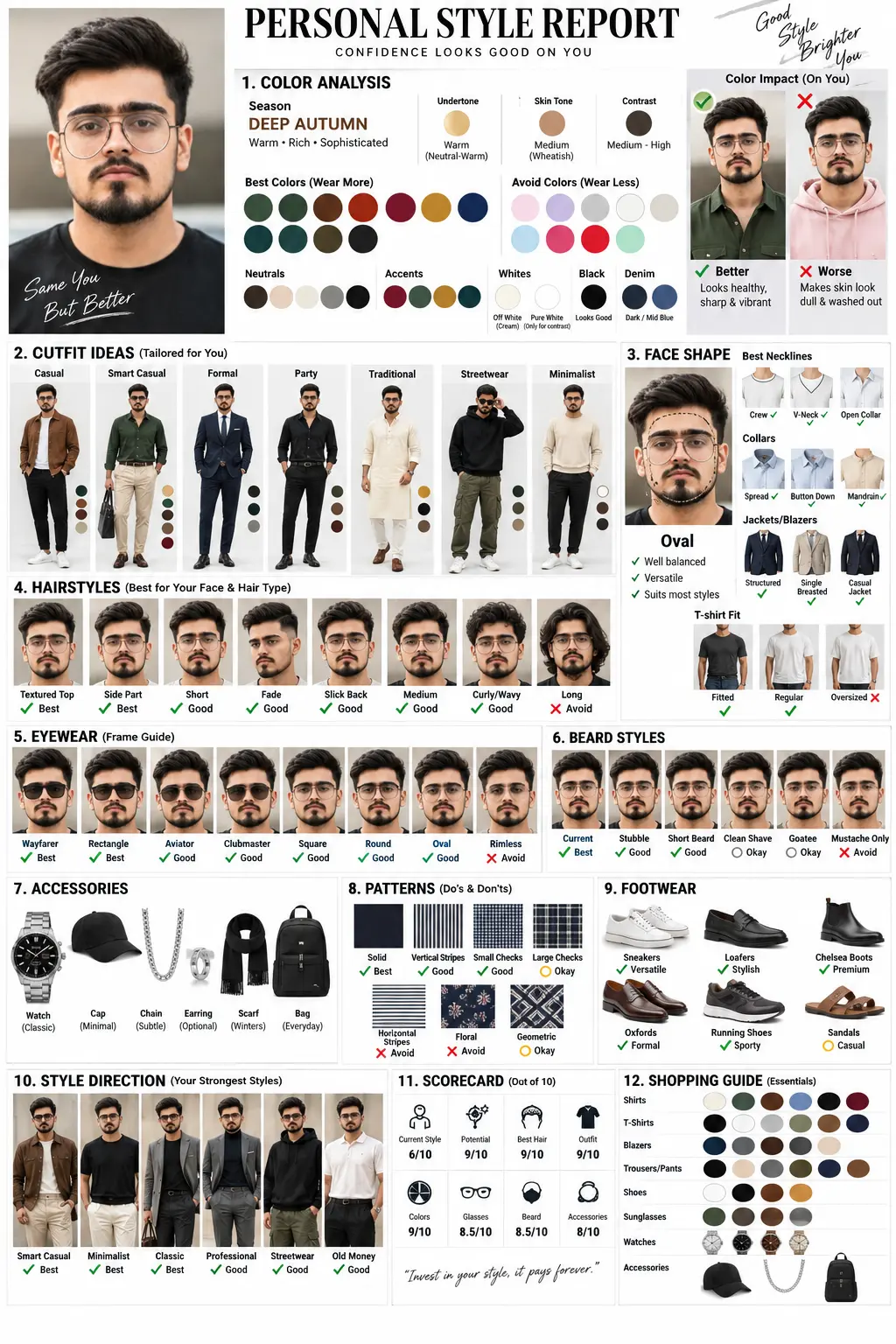
Read the guideAct as an elite Personal Image Consultant, Wardrobe Stylist, Seasonal Color Specialist, and Face-Shape Analyst. Examine the uploaded portrait and produce a highly personalized, premium visual Personal Style Report based specifically on the person’s face, complexion, proportions, and overall appearance. The report must be approximately 90% visual and 10% text, relying on fashion models, outfit mockups, diagrams, icons, color swatches, comparison cards, and ✓ Better vs ✕ Worse examples. Avoid paragraphs.
1. COLOR ANALYSIS: Determine the person’s seasonal palette (Spring, Summer, Autumn, or Winter), undertone, skin tone, and contrast level. Visually present flattering and unflattering colors, ideal neutrals, accent shades, white, black, and denim. Demonstrate the shades on clothing/models and include ✓ Better vs ✕ Worse comparisons.
2. OUTFITS: Build visual outfit combinations for Casual, Smart Casual, Formal, Party, Traditional, Streetwear, and Minimalist categories. Show recommended colors, garment combinations, and mini outfit mockups.
3. FACE: Identify the face shape and illustrate it with a clear diagram. Visually recommend the most suitable necklines, collars, shirts, jackets, blazers, and T-shirt fits.
4. HAIR: Display hairstyle examples for Short, Medium, Long, Fade, Textured, Side Part, Slick Back, and Curly hair. Clearly label the strongest choices with ✓ Best and unsuitable choices with ✕ Avoid.
5. EYEWEAR: Visually compare Aviator, Wayfarer, Clubmaster, Round, Square, Rectangle, Oval, and Rimless frames. Highlight the best sunglasses and optical eyeglass shapes.
6. BEARD: Compare Clean Shave, Stubble, Medium/Full Beard, Goatee, and Mustache styles, clearly emphasizing the most flattering option.
7. ACCESSORIES: Present suitable watches, caps/hats, chains, earrings, scarves, and bags.
8. PATTERNS: Compare Solid, Vertical Stripes, Horizontal Stripes, Small Checks, Large Checks, Floral, and Geometric patterns. Mark each visually with ✓ or ✕ according to suitability.
9. FOOTWEAR: Show Sneakers, Loafers, Chelsea Boots, Oxfords, Running Shoes, and Sandals paired with appropriate outfits.
10. STYLE DIRECTION: Select the person’s strongest styles from Classic, Minimalist, Old Money, Quiet Luxury, Smart Casual, Professional, Streetwear, Athletic, and Creative. Present the recommendations as visual style cards.
11. SCORECARD: Create a visual rating panel covering Current Style, Potential, Best Hair, Outfit, Colors, Glasses, Beard, and Accessories using icons and ratings.
12. SHOPPING GUIDE: Build a visual shopping checklist covering ideal shirt colors, T-shirt colors, blazer colors, trouser/pants colors, shoes, sunglasses, watches, and accessories. DESIGN DIRECTION: Premium luxury-fashion-magazine combined with Pinterest styling-board aesthetics. Use a clean white background, sophisticated modern grid layout, large visuals, minimal wording, fashion boards, palettes, diagrams, and Before vs After comparison cards. Every recommendation and visual must be individually tailored to the uploaded person’s face and skin tone.
No sign-up needed. You can also select and copy the text manually.
More inspiration for you
View all →
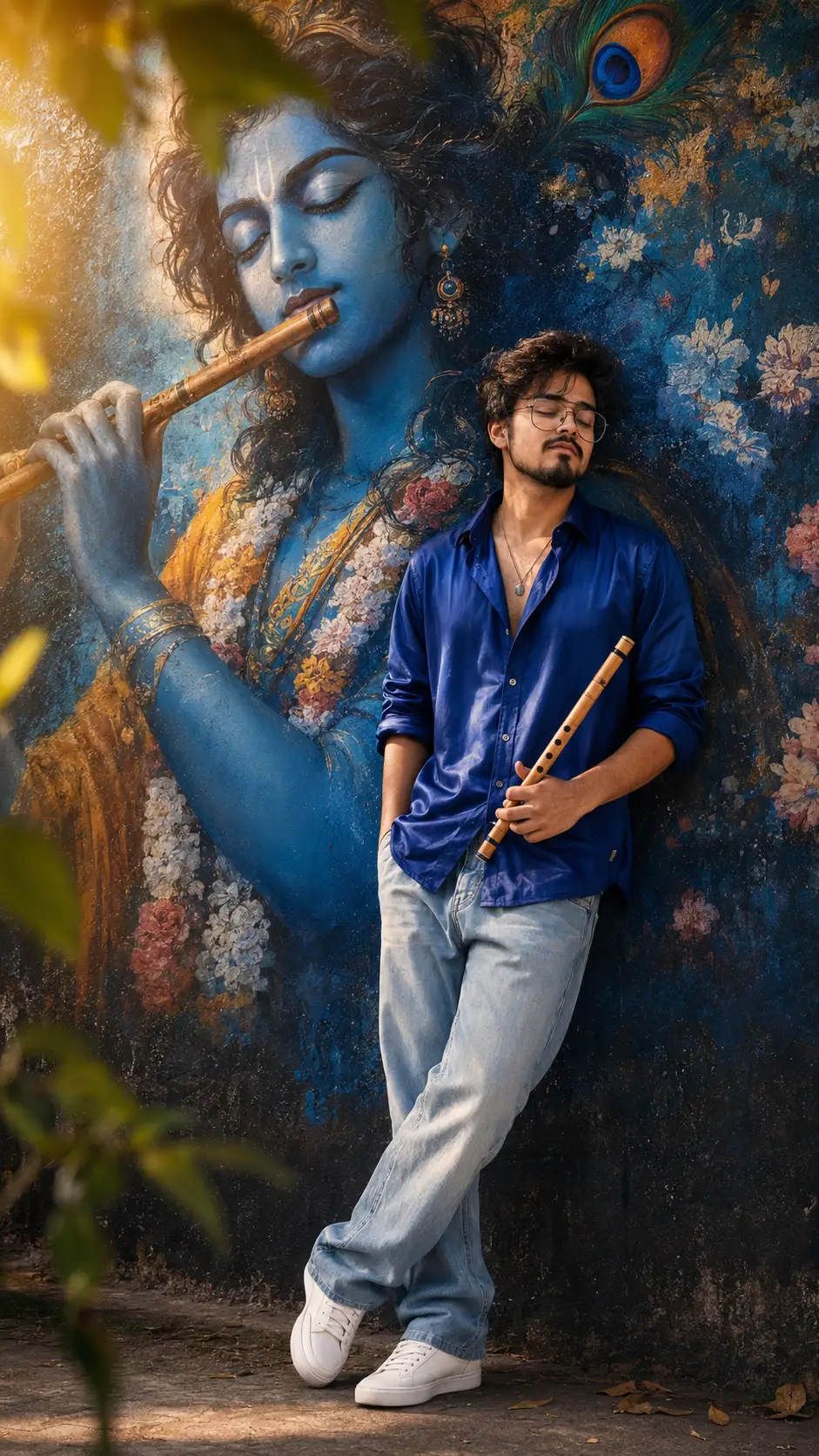
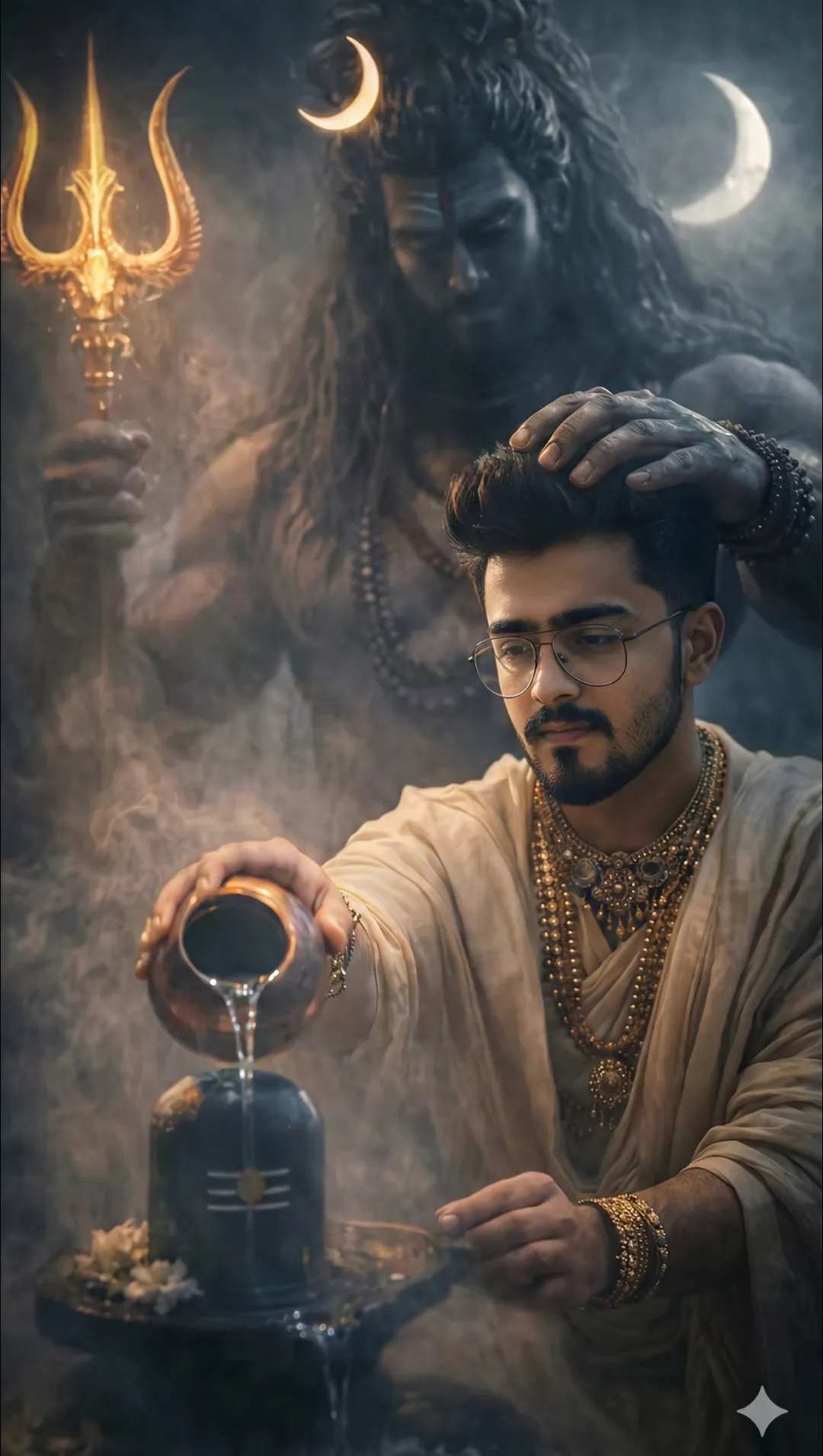
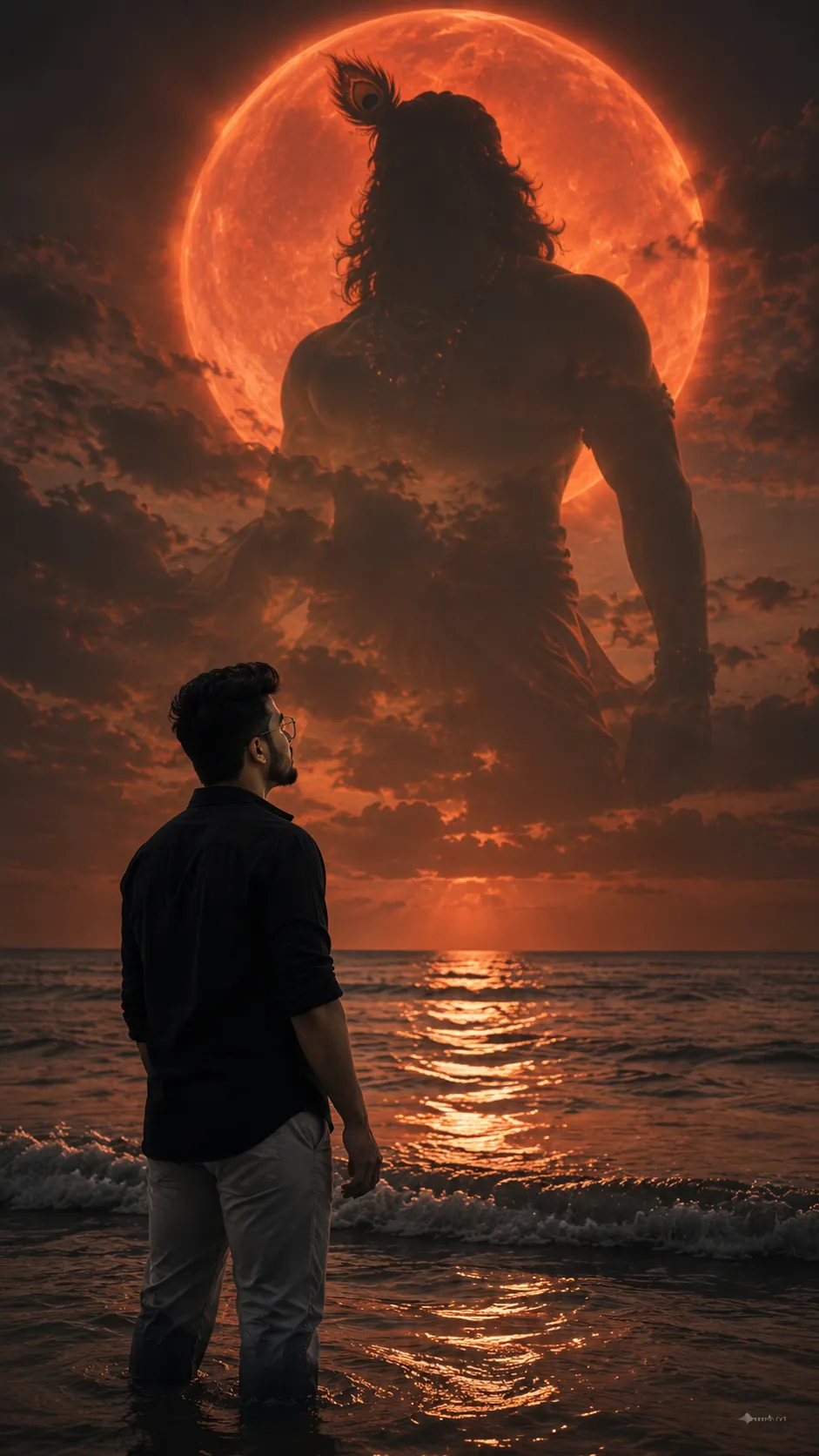
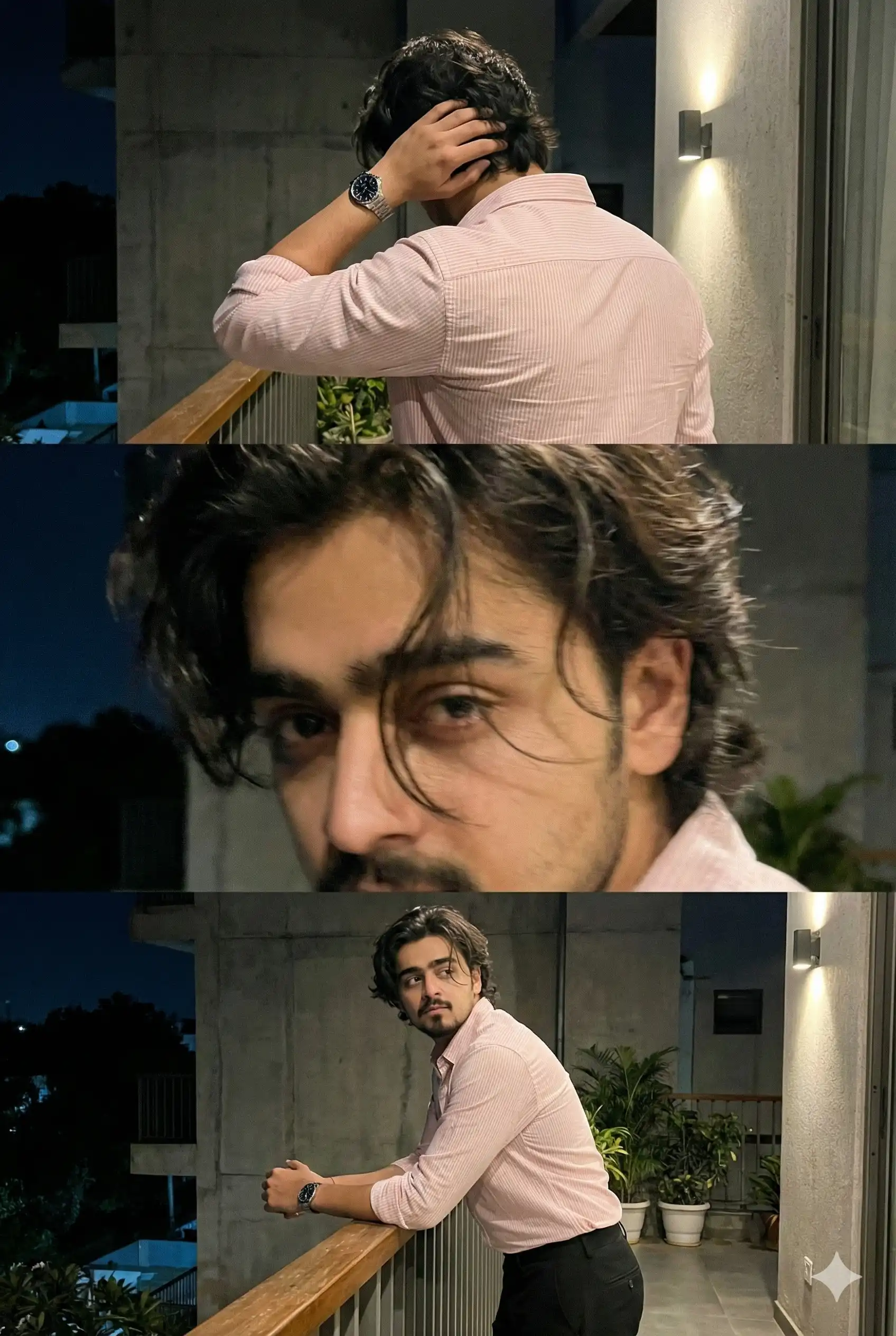
SponsoredAd
The creator's guide
How to use Chatgpt Style Report Prompt
Use “Chatgpt Style Report Prompt” as a starting point for your Anyltics creation. The guide below highlights instructions from this specific prompt and shows what to change when adapting it to your own idea.
01
Get ready
Start with a clear reference photo. Upload it to an AI tool that accepts images before pasting the prompt. Choose a well-lit image with the subject unobstructed.
02
Copy & create
Copy the complete prompt above, paste it into your AI tool, and generate a first version. Keep the original instructions for your first attempt.
03
Refine one detail
Check the eyes, hands, skin texture, and likeness first. If the face changes too much, ask to preserve the reference identity and remove conflicting appearance instructions.
Three variations to try
Try one follow-up at a time after generating your first result.
Change the mood
Keep the subject and composition. Replace the lighting with soft natural window light and a calm, muted palette.
Make it your own
Keep the visual style. Replace the setting with a location of your choice and remove any details that conflict with the new scene.
Adapt the framing
Keep the face and identity consistent. Leave extra space around the head and shoulders for a square profile-picture crop.
If your result looks different
The preview is a visual reference, not a guaranteed output. Results vary by model, settings, and reference image. Keep the instructions that matter most, remove contradictions, and change one detail between attempts.