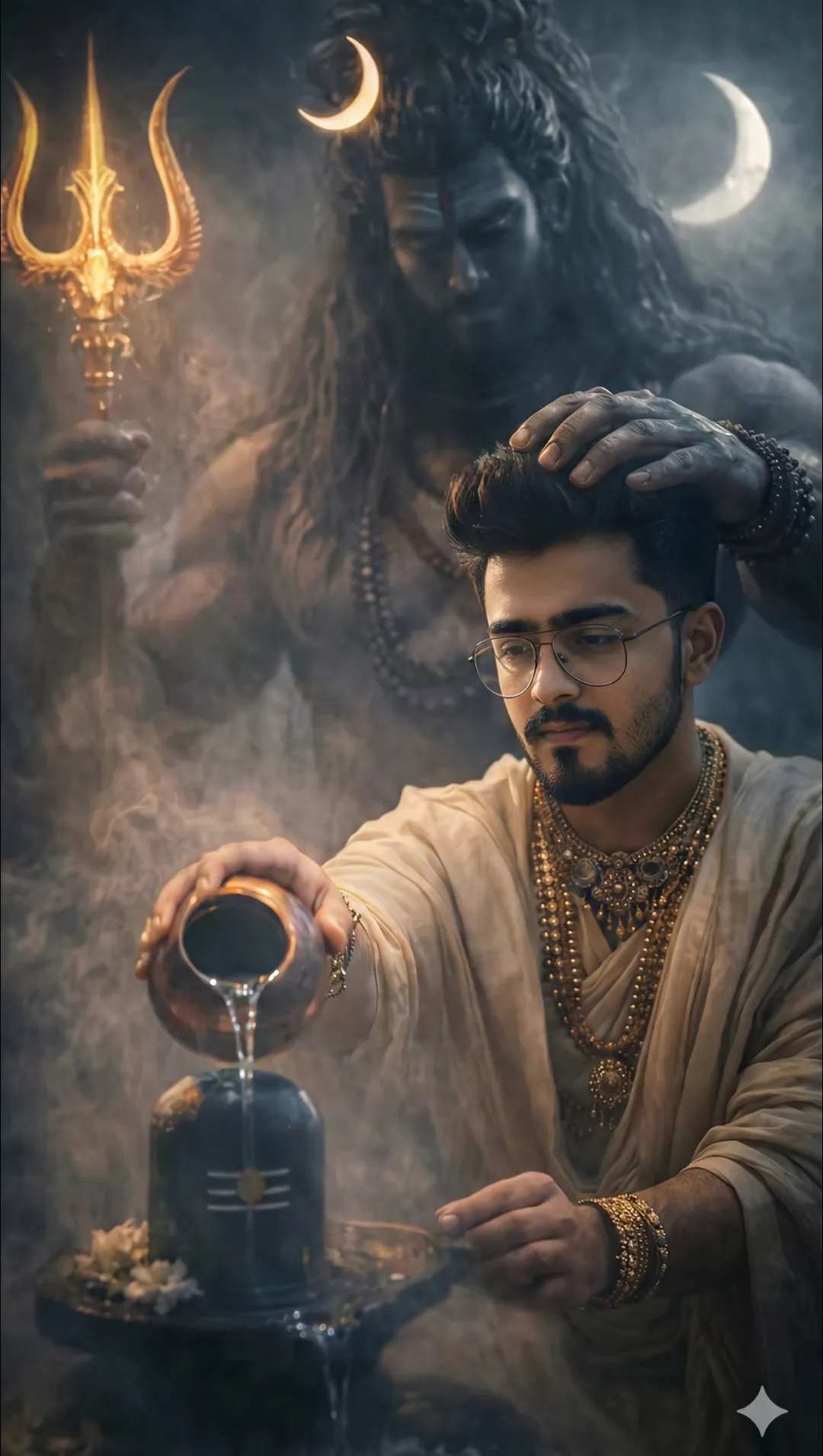
 Spritual4,568 copies
 84 copies
Spritual · Free image prompt
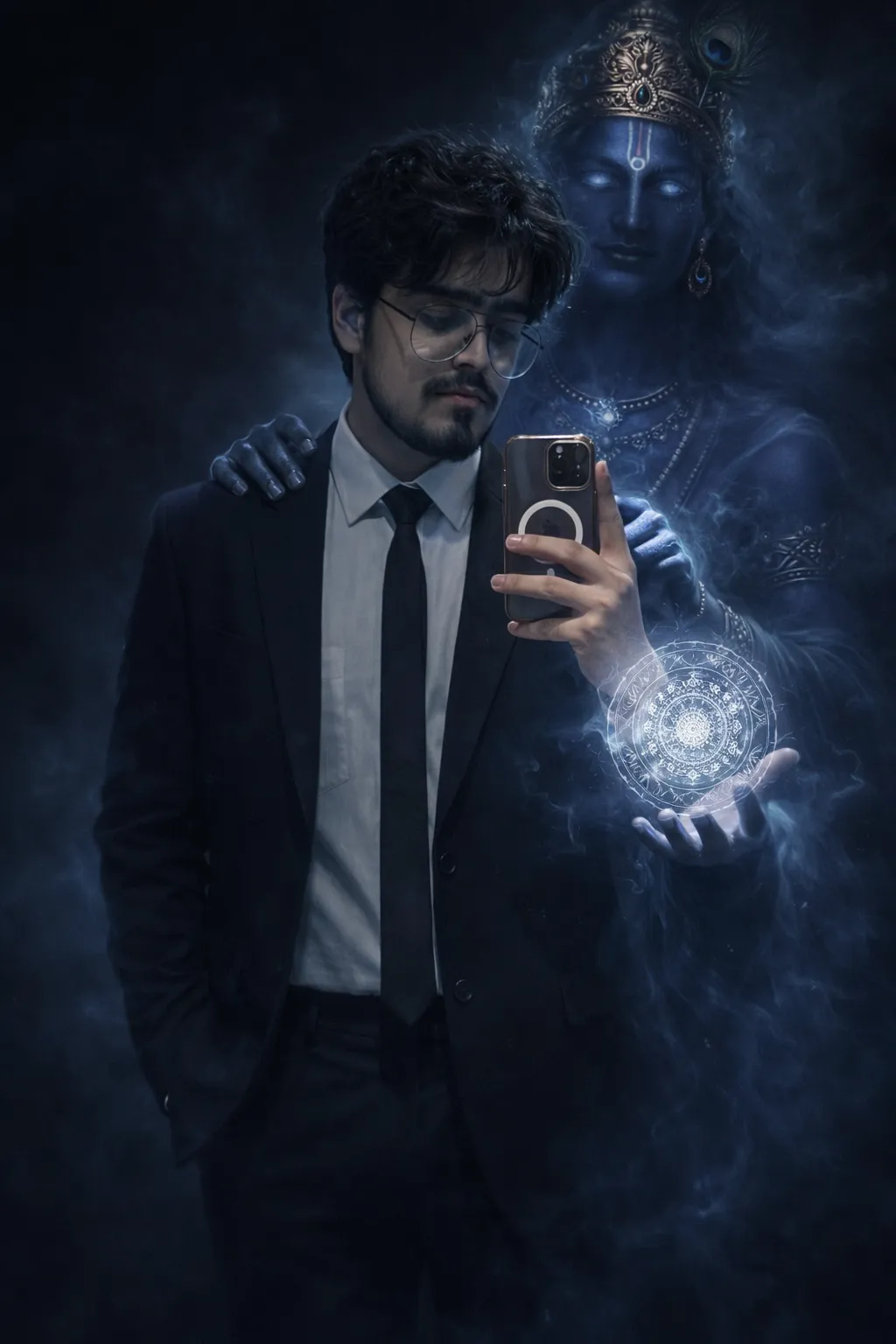
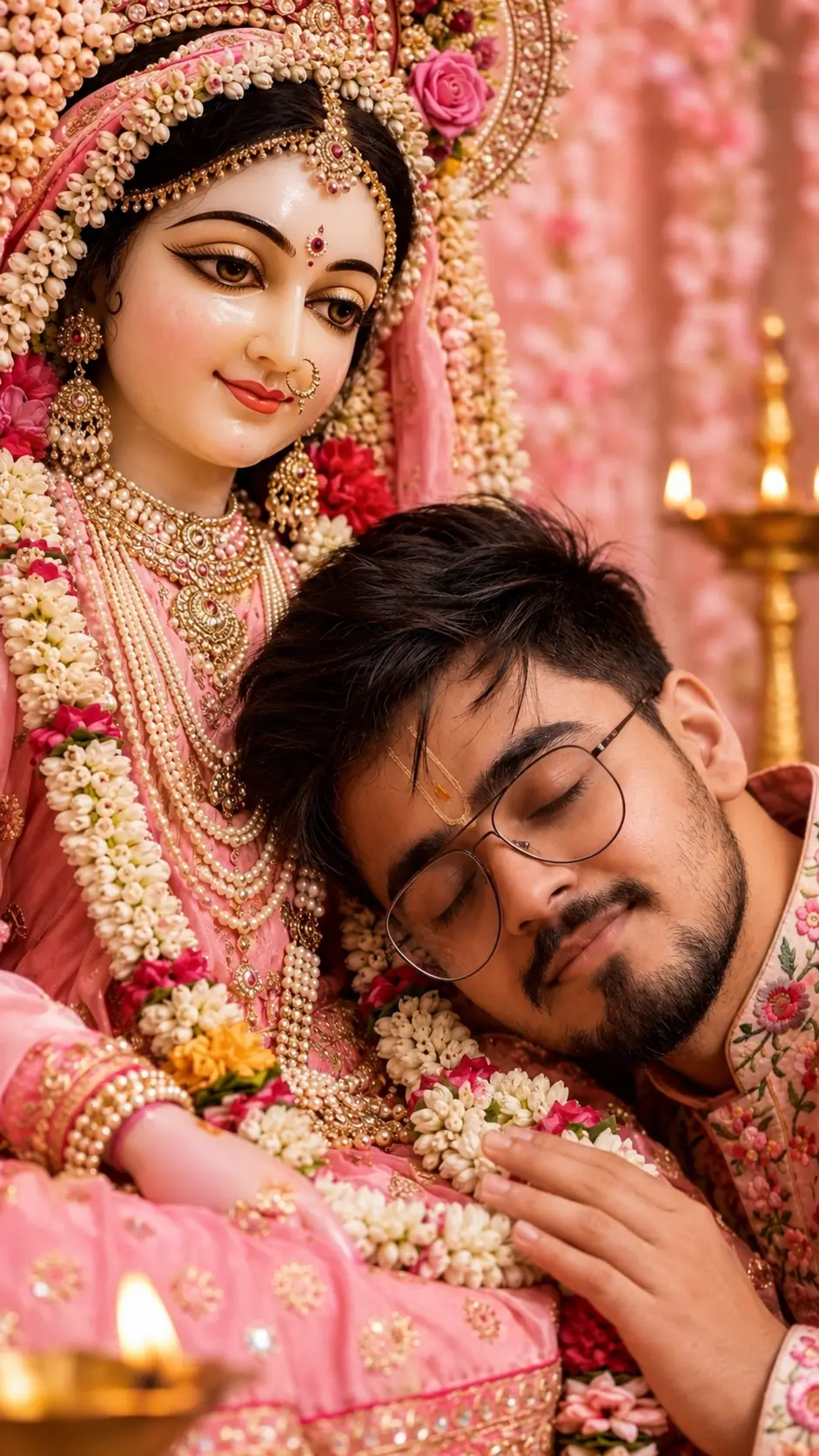
Divine Krishna Protection Portrait
Make this look your own. Copy the full prompt and follow the guide below.
The prompt
Read the guideTransform this photo into a dark cinematic divine fantasy scene.
Lock the main person 100% unchanged — same face, same identity, same skin texture, same pose, same expression, same outfit, same body proportions, same hairstyle, same face lighting, same camera angle, same framing.
No beautification. No retouching. No facial alteration. No outfit or pose change.
The original background must be fully obscured and dissolved into darkness and atmospheric depth — no recognizable background elements visible. Replace it with deep shadows, soft fog, and cinematic negative space only.
From behind the person, slightly offset to one side, Lord Krishna emerges subtly as a semi-transparent celestial presence, formed from soft blue divine energy, sacred smoke, and cosmic particles.
Krishna is not solid, not overpowering, and must never dominate the main subject.
Krishna’s form:
Calm, tall, serene posture
Deep blue skin tone made of glowing divine energy
Soft glowing white-blue eyes
Golden crown with a peacock feather (faint but recognizable)
Minimal, ethereal jewelry
Flowing spiritual aura and light mist
Interaction:
One hand gently resting on the person’s shoulder (symbol of protection and guidance)
The other hand projecting a floating circular divine chakra / energy mandala near the person’s hand
Chakra made of sacred geometric patterns, soft radiant light, subtle glow
Atmosphere & lighting:
Blue-black spiritual smoke swirling slowly around Krishna
Smoke and aura subtly wrap around the subject without covering the face or body
Smoke flows downward and dissolves naturally into darkness
Cinematic cool blue rim-light on the subject’s edges from divine aura
Realistic depth, volumetric lighting, atmospheric perspective
Natural shadow falloff, realistic light interaction and reflections
Style & quality:
Ultra-realistic composite
Mythological realism
Dark cinematic tone
High contrast, film-grade color grading
Shallow depth of field
Ultra-detailed textures
4K quality
Main subject remains the sole visual anchor.
Krishna feels protective, divine, and present — never distracting.
No sign-up needed. You can also select and copy the text manually.
More inspiration for you
View all →
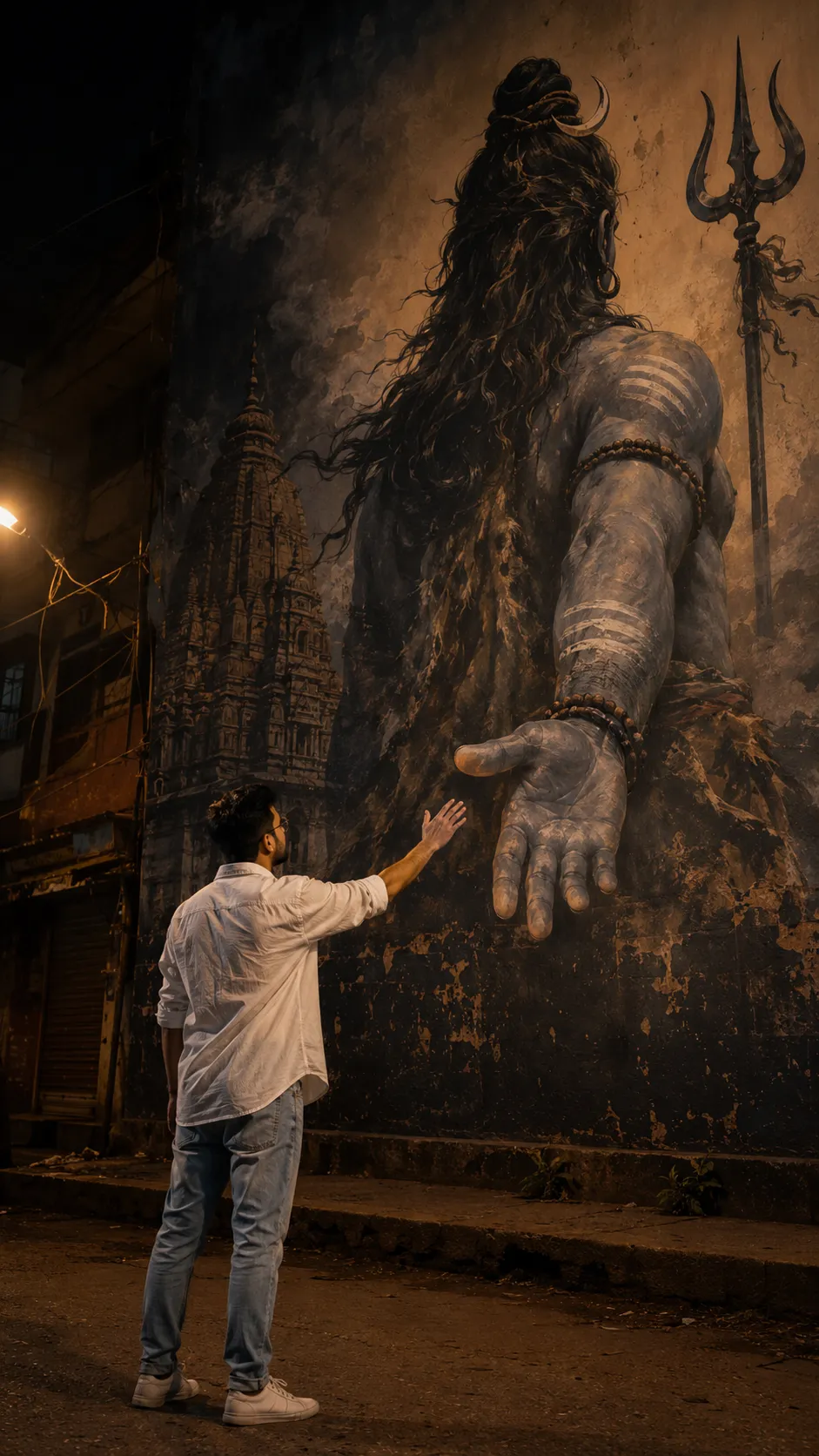
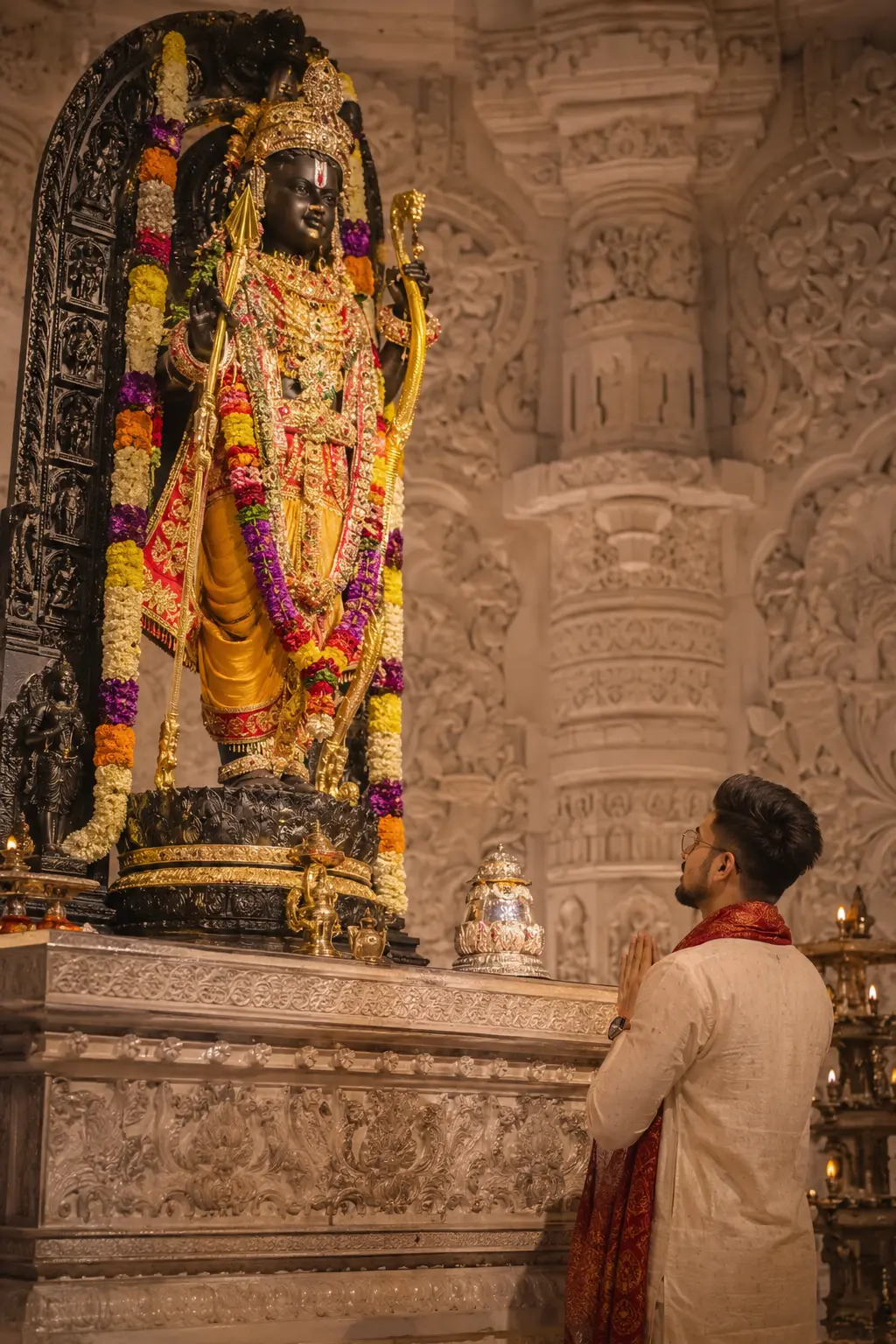
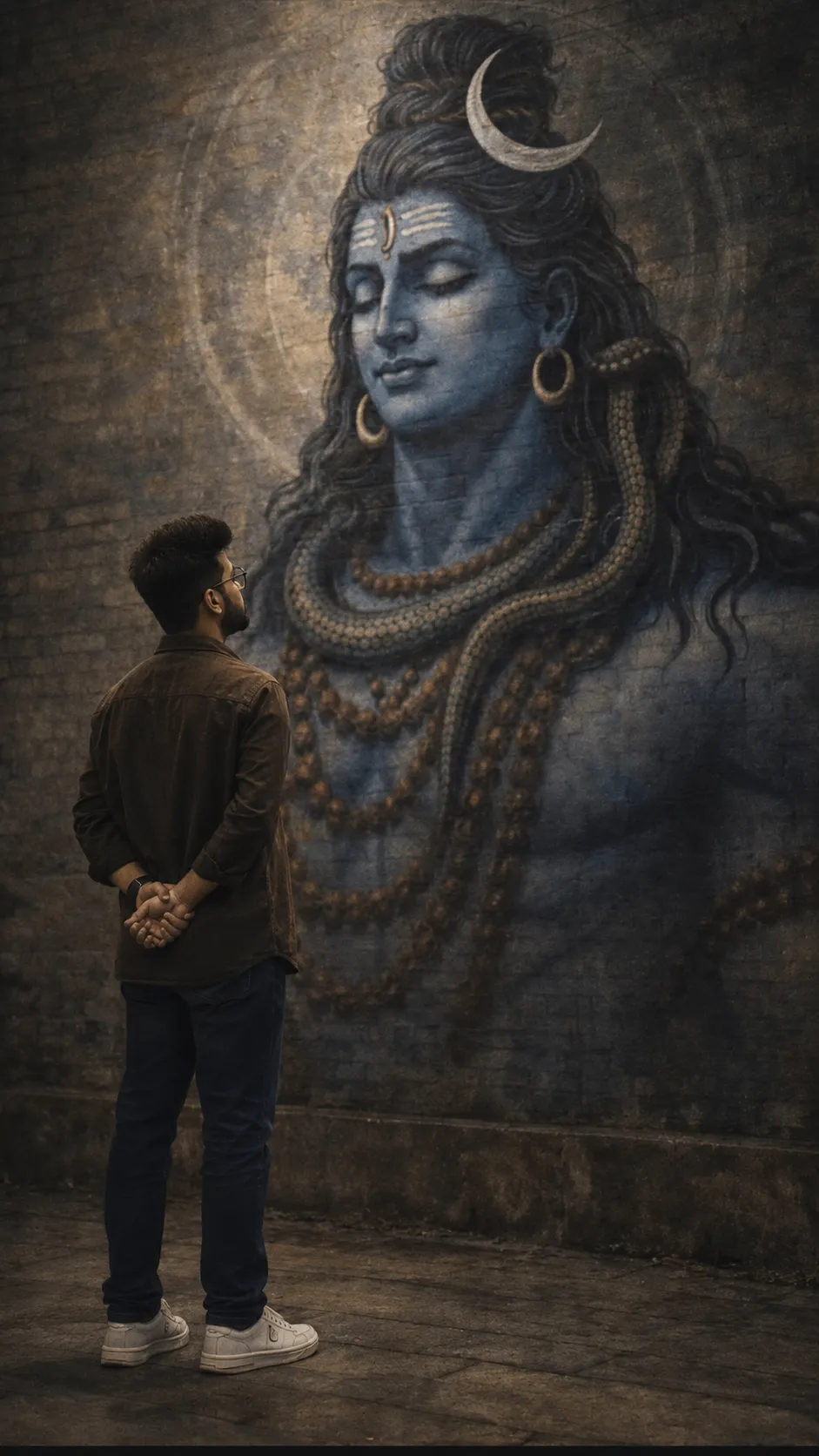
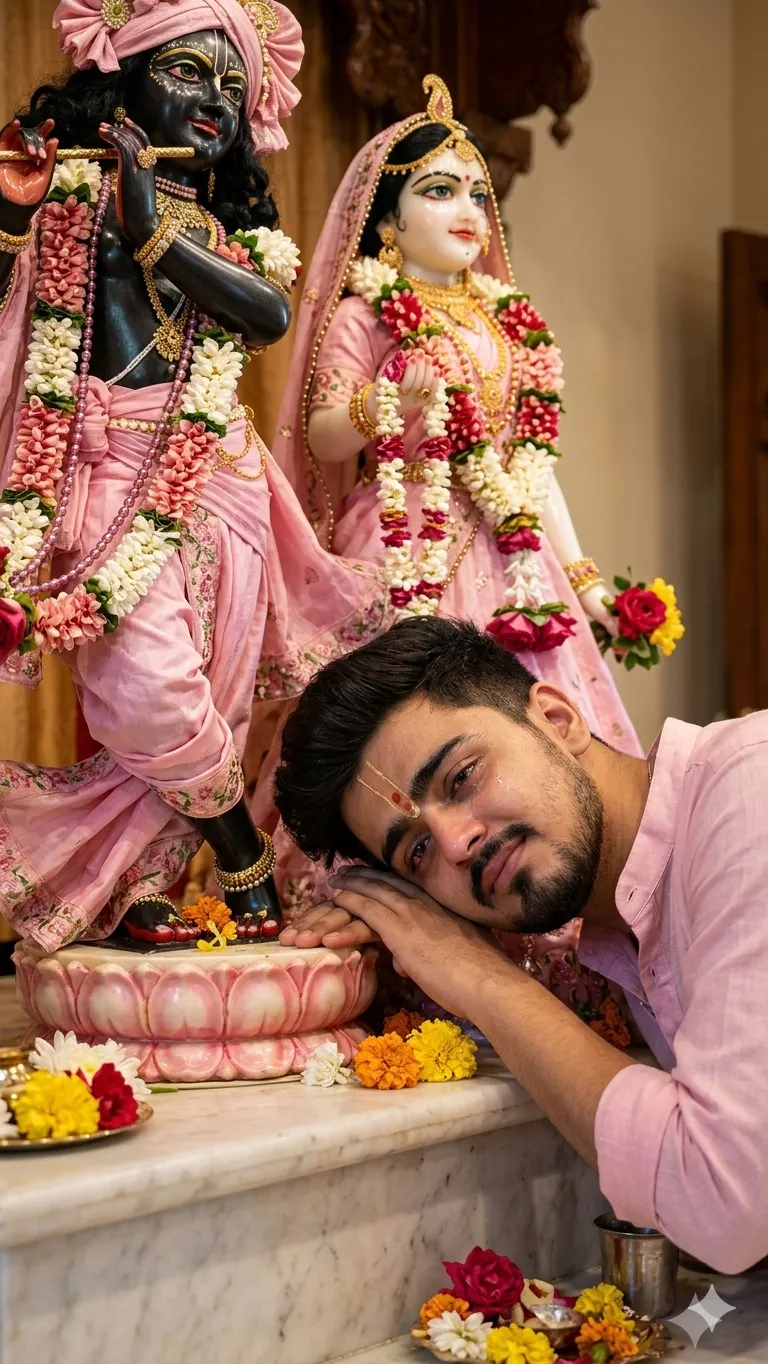
SponsoredAd
The creator's guide
How to use Divine Krishna Protection Portrait
Use “Divine Krishna Protection Portrait” as a starting point for your Spritual creation. The guide below highlights instructions from this specific prompt and shows what to change when adapting it to your own idea.
01
Get ready
Open an AI tool that supports the output you want. Start a new conversation so earlier instructions do not change the result.
02
Copy & create
Copy the complete prompt above, paste it into your AI tool, and generate a first version. Keep the original instructions for your first attempt.
03
Refine one detail
Check the eyes, hands, skin texture, and likeness first. If the face changes too much, ask to preserve the reference identity and remove conflicting appearance instructions.
Inside this prompt
Lighting
Lock the main person 100% unchanged — same face, same identity, same skin texture, same pose, same expression, same outfit, same body proportions, same hairstyle, same face lighting, same camera angle, same framing
Composition
Lock the main person 100% unchanged — same face, same identity, same skin texture, same pose, same expression, same outfit, same body proportions, same hairstyle, same face lighting, same camera angle, same framing
Style
Transform this photo into a dark cinematic divine fantasy scene
Three variations to try
Try one follow-up at a time after generating your first result.
Change the mood
Keep the subject and composition. Replace the lighting with soft natural window light and a calm, muted palette.
Make it your own
Keep the visual style. Replace the setting with a location of your choice and remove any details that conflict with the new scene.
Adapt the framing
Keep the face and identity consistent. Leave extra space around the head and shoulders for a square profile-picture crop.
If your result looks different
The preview is a visual reference, not a guaranteed output. Results vary by model, settings, and reference image. Keep the instructions that matter most, remove contradictions, and change one detail between attempts.