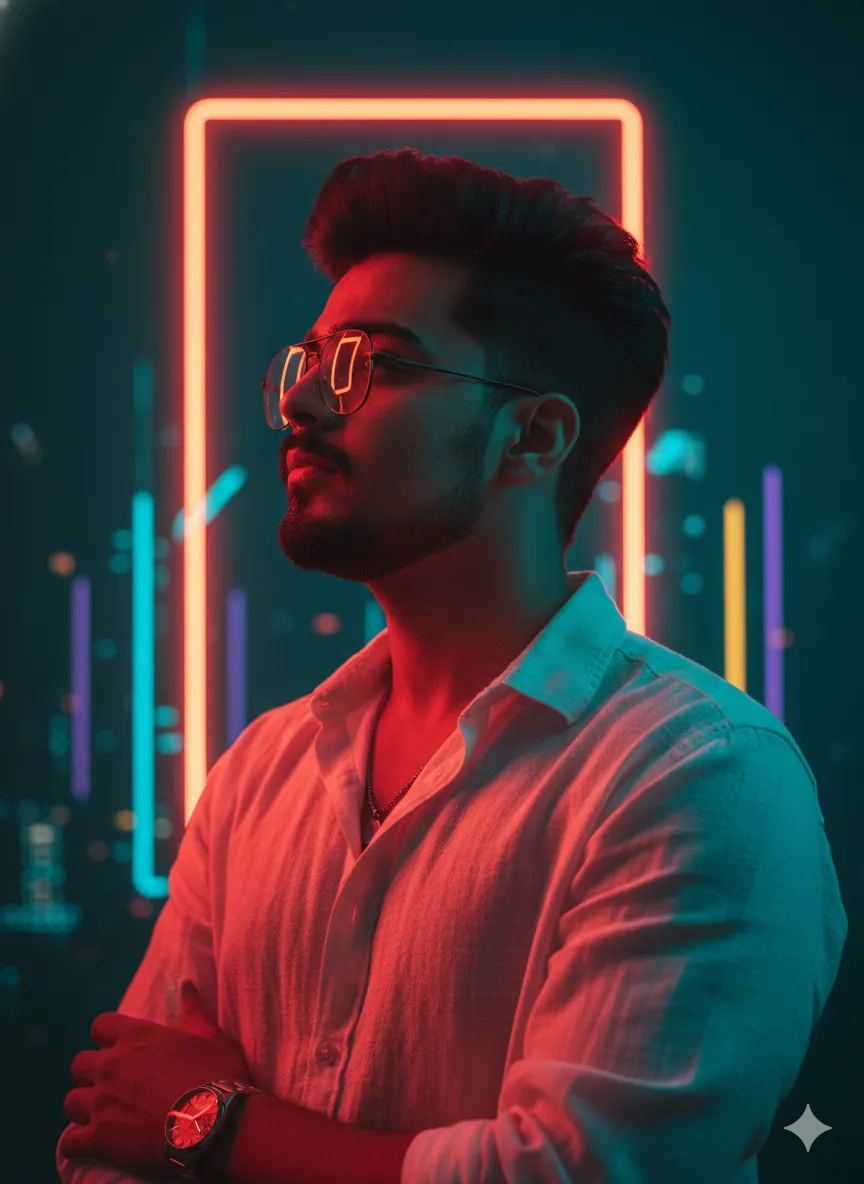
 Cinematic681 copies
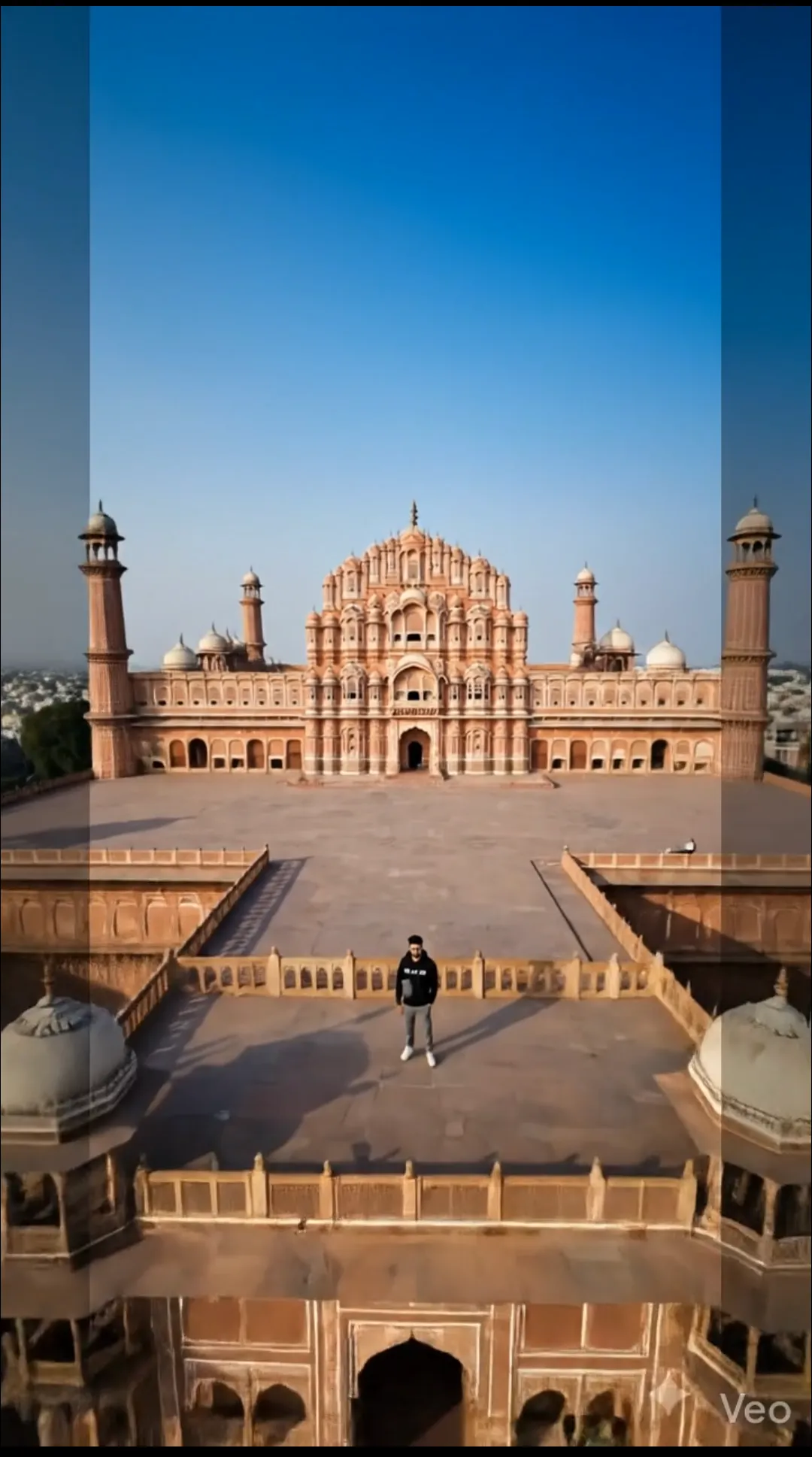 35 copies
Cinematic · Free image prompt
Drone Shot Video Prompt
Make this look your own. Copy the full prompt and follow the guide below.
The prompt
Read the guideUse the attached image as the exact starting frame and visual reference.
Create a single continuous cinematic aerial camera shot from the exact viewpoint and scene shown in the reference image. The red line and white arrows are ONLY hidden motion-planning guides. They are not part of the scene and must be completely removed before the video begins. Do not show the drone, propellers, drone body, controller, flight path, red lines, white arrows, waypoints, markers, graphics, overlays, UI elements, or any other production guides at any point.
The camera should move smoothly through the scene following the exact route represented by the red line. Reproduce the same direction, turns, curves, movement progression, and ending position indicated by that route.
Independently control the camera's viewing direction using the white arrows as invisible camera-orientation instructions. The camera should continuously look in the indicated directions while physically travelling along the red route. Keep the important subject naturally framed during the entire movement.
The result must look like real professional drone cinematography, as if filmed by a stabilized aerial camera. Use realistic cinematic motion, subtle inertia, smooth acceleration and deceleration, gentle natural banking during turns, and fluid camera orientation. Motion should feel physically believable and premium, not like an animated 3D object or a game camera.
Absolutely do not generate or reveal a drone itself. The viewer should see only the camera's aerial perspective and the original scene. There must be no visible filming equipment.
Preserve the reference image exactly. Do not change the subject, buildings, landscape, road, trees, objects, lighting, colors, weather, textures, proportions, or environment. Do not add anything that is not already present in the original image.
No cuts. No transitions. No teleportation. No sudden zooms. No artificial camera shake. No exaggerated movement. No scene transformation.
The final video should simply look like the original scene being filmed by a professional stabilized drone camera, with the camera smoothly travelling along the specified route and continuously adjusting its view according to the indicated directions.
Priority:
1. Preserve the original scene.
2. Follow the red route exactly as the camera's physical flight trajectory.
3. Follow the white arrows exactly as invisible camera-look directions.
4. Keep all guides and drone equipment completely invisible.
5. Produce natural, realistic professional aerial cinematography.
No sign-up needed. You can also select and copy the text manually.
More inspiration for you
View all →
SponsoredAd
The creator's guide
How to use Drone Shot Video Prompt
Use “Drone Shot Video Prompt” as a starting point for your Cinematic creation. The guide below highlights instructions from this specific prompt and shows what to change when adapting it to your own idea.
01
Get ready
Start with a clear reference photo. Upload it to an AI tool that accepts images before pasting the prompt. Choose a well-lit image with the subject unobstructed.
02
Copy & create
Copy the complete prompt above, paste it into your AI tool, and generate a first version. Keep the original instructions for your first attempt.
03
Refine one detail
Start with a short test. Check subject consistency and camera movement before extending the clip; simplify the motion if objects distort.
Inside this prompt
Lighting
Do not change the subject, buildings, landscape, road, trees, objects, lighting, colors, weather, textures, proportions, or environment
Composition
Use the attached image as the exact starting frame and visual reference
Style
Create a single continuous cinematic aerial camera shot from the exact viewpoint and scene shown in the reference image
Three variations to try
Try one follow-up at a time after generating your first result.
Change the mood
Keep the subject and composition. Replace the lighting with soft natural window light and a calm, muted palette.
Make it your own
Keep the visual style. Replace the setting with a location of your choice and remove any details that conflict with the new scene.
Adapt the framing
Keep the main subject fully visible. Leave clear space around it so the result can be cropped for your chosen format.
If your result looks different
The preview is a visual reference, not a guaranteed output. Results vary by model, settings, and reference image. Keep the instructions that matter most, remove contradictions, and change one detail between attempts.