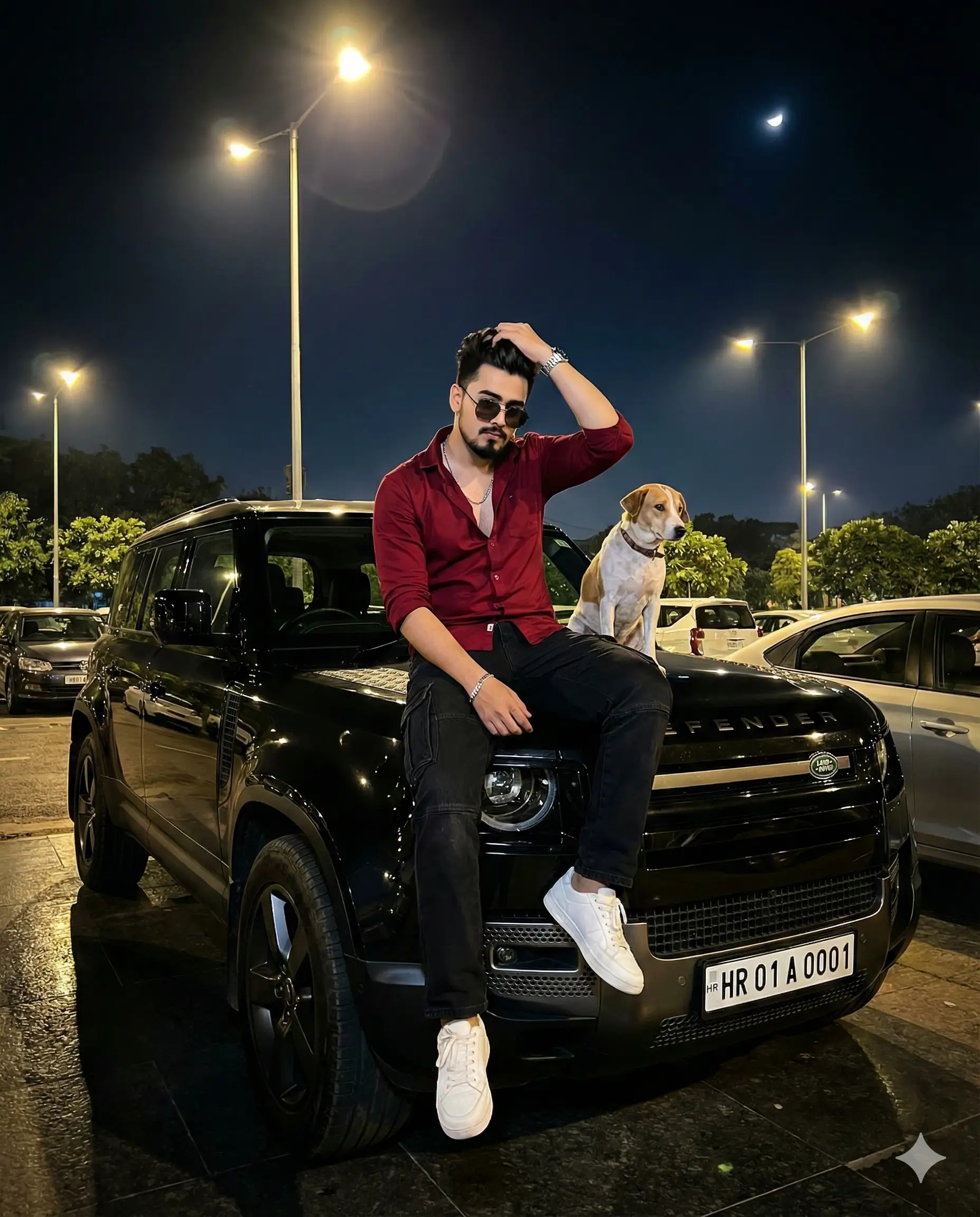
 Car1,131 copies
 195 copies
Car · Free image prompt
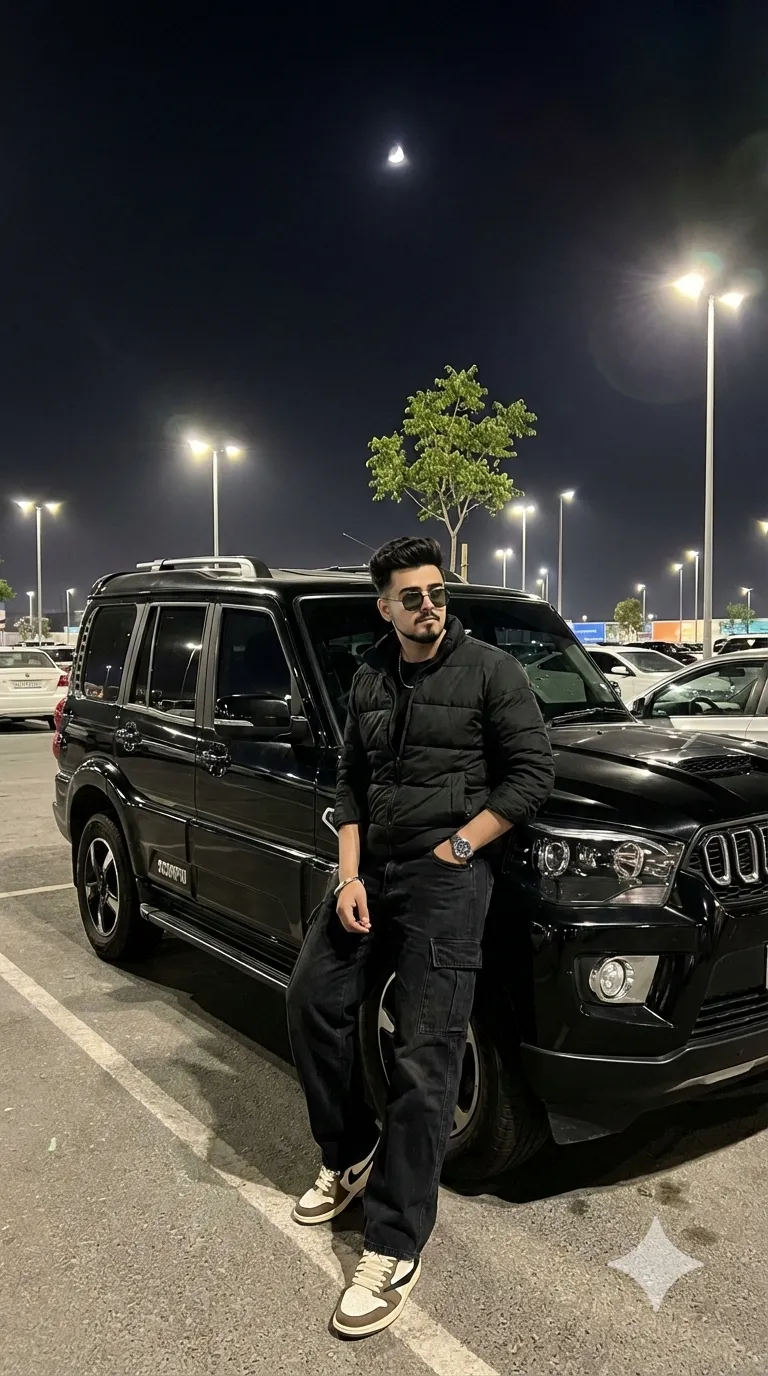
Fortuner Car Prompt
Make this look your own. Copy the full prompt and follow the guide below.
The prompt
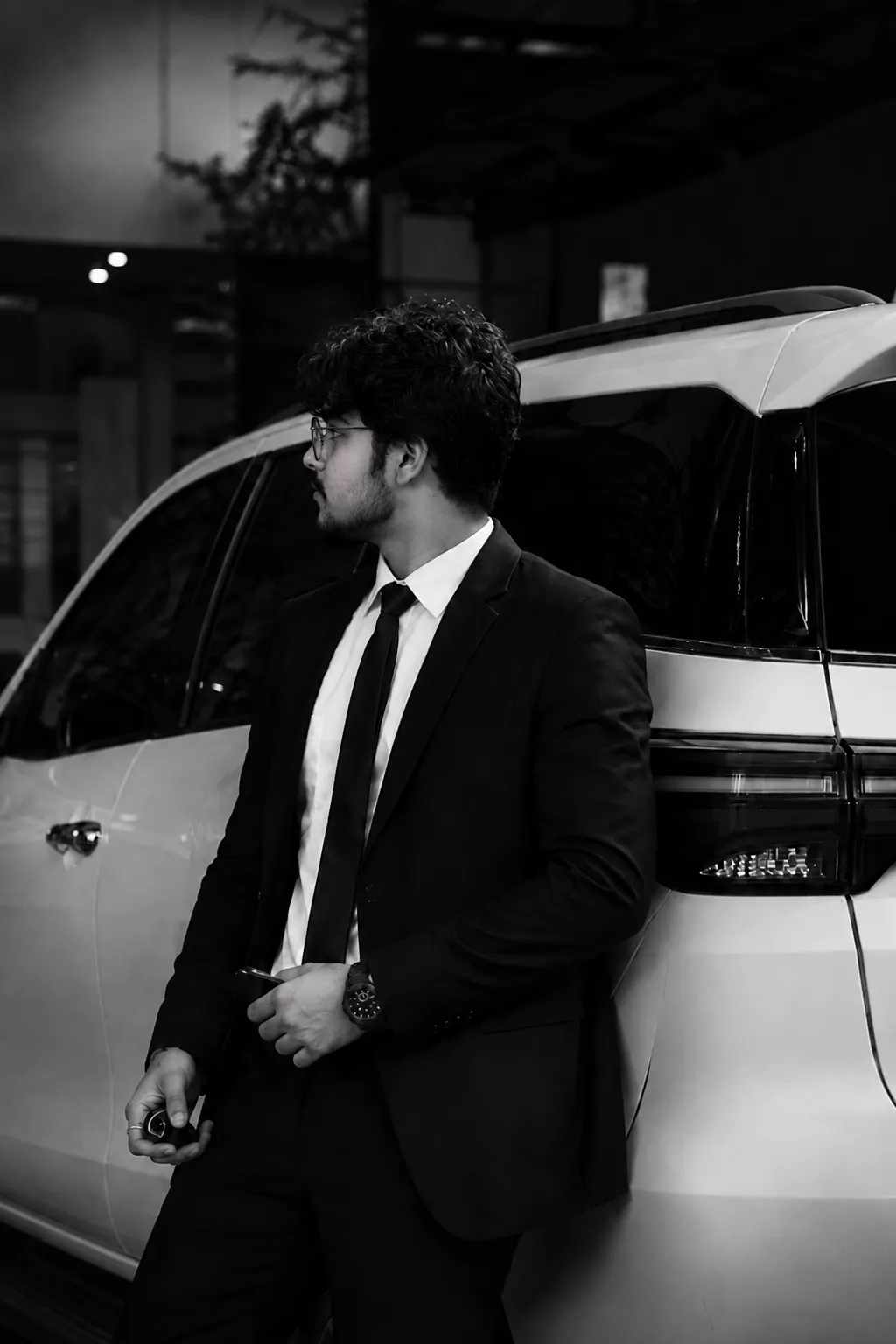
Read the guideUse the uploaded image strictly as the facial identity reference. Accurately retain the subject’s exact recognizable face, hairstyle, hairline, facial proportions, skin tone, age, and authentic natural expression. Generate an ultra-realistic, cinematic luxury black-and-white portrait featuring the same man leaning with confidence against a premium white Toyota Fortuner SUV. He is dressed in a flawlessly fitted black suit paired with a clean white shirt, wearing an elegant black luxury watch and holding a realistic vehicle key in one hand. Preserve the original body positioning, camera perspective, framing, composition, and side-profile presentation, with the subject looking away from the camera in a confident manner. Set the scene against a dark urban environment with dramatic cinematic illumination, strong contrast, gentle shadows, and a shallow depth of field. The photograph should have the authentic appearance of professional DSLR photography captured with an 85mm lens, featuring a refined editorial fashion aesthetic, highly detailed natural skin texture, photorealistic realism, and 8K-level detail. Eliminate every screenshot element, including UI controls, text, icons, watermarks, and overlays.
No sign-up needed. You can also select and copy the text manually.
More inspiration for you
View all →
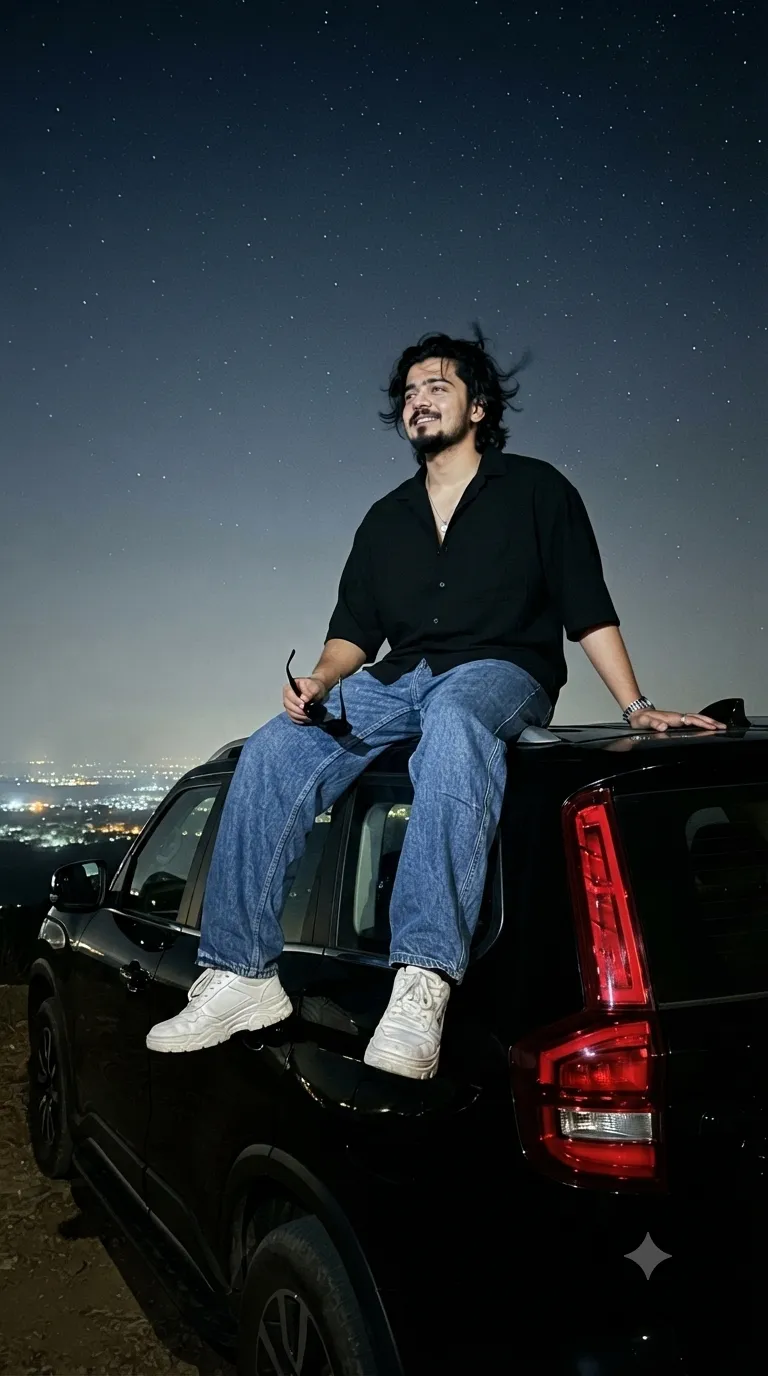
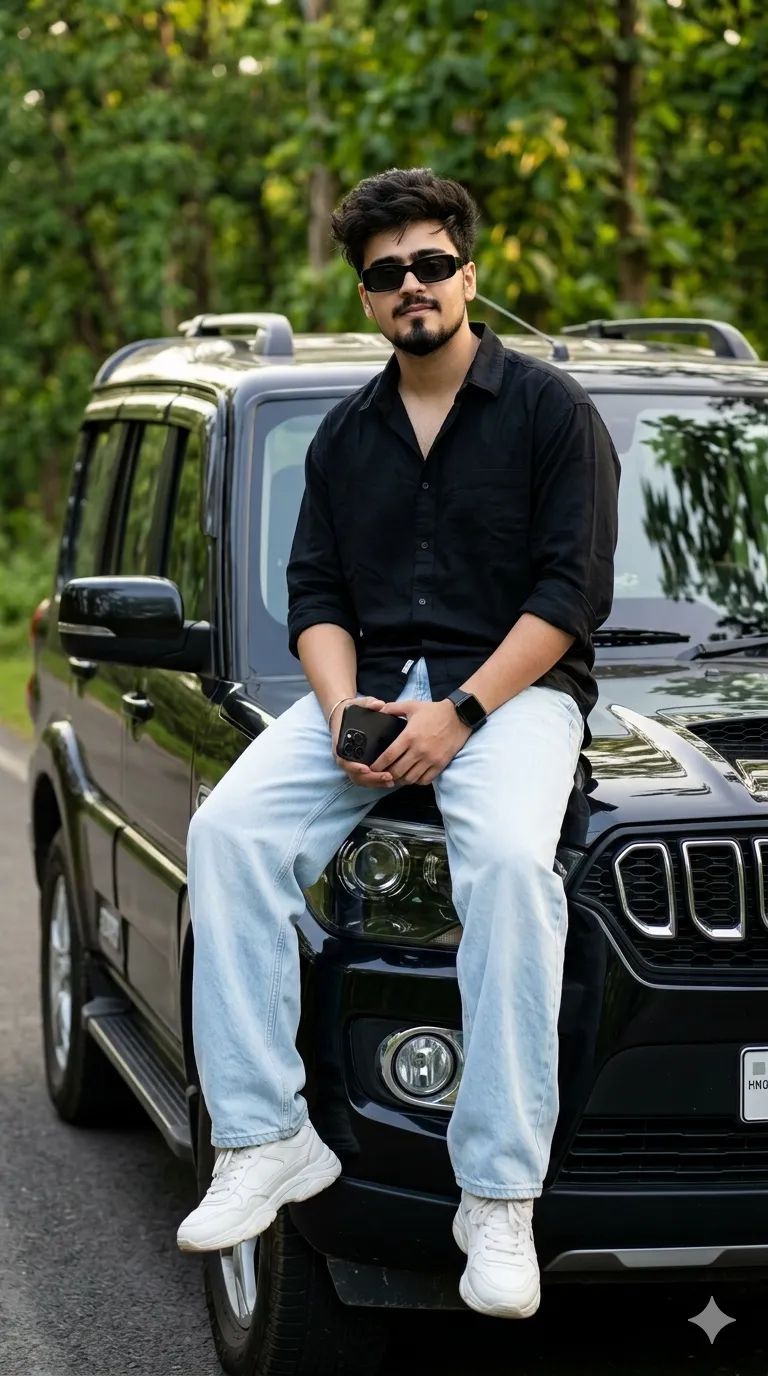
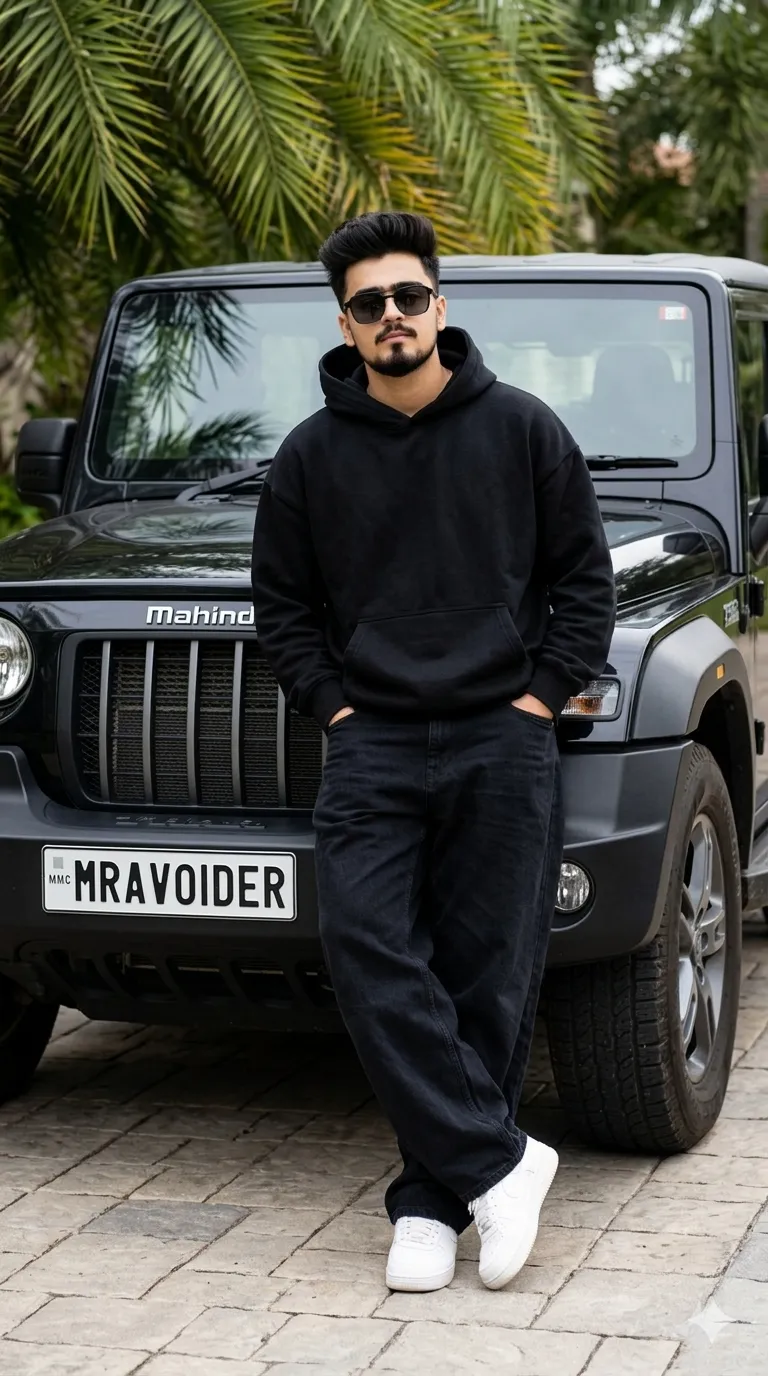
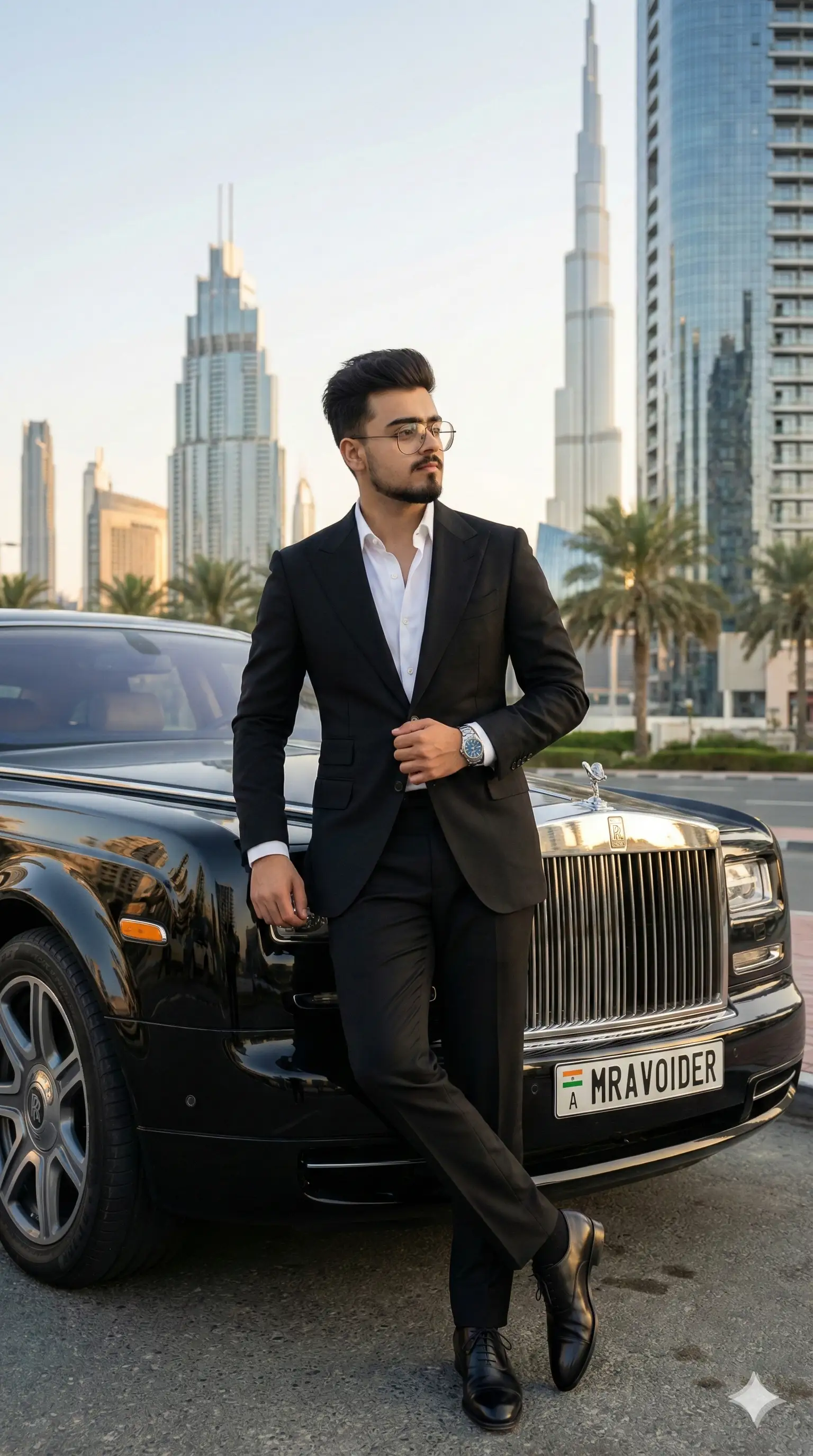
SponsoredAd
The creator's guide
How to use Fortuner Car Prompt
Use “Fortuner Car Prompt” as a starting point for your Car creation. The guide below highlights instructions from this specific prompt and shows what to change when adapting it to your own idea.
01
Get ready
Start with a clear reference photo. Upload it to an AI tool that accepts images before pasting the prompt. Choose a well-lit image with the subject unobstructed.
02
Copy & create
Copy the complete prompt above, paste it into your AI tool, and generate a first version. Keep the original instructions for your first attempt.
03
Refine one detail
Check the eyes, hands, skin texture, and likeness first. If the face changes too much, ask to preserve the reference identity and remove conflicting appearance instructions.
Inside this prompt
Lighting
Set the scene against a dark urban environment with dramatic cinematic illumination, strong contrast, gentle shadows, and a shallow depth of field
Composition
Preserve the original body positioning, camera perspective, framing, composition, and side-profile presentation, with the subject looking away from the camera in a confident manner
Style
Generate an ultra-realistic, cinematic luxury black-and-white portrait featuring the same man leaning with confidence against a premium white Toyota Fortuner SUV
Three variations to try
Try one follow-up at a time after generating your first result.
Change the mood
Keep the subject and composition. Replace the lighting with soft natural window light and a calm, muted palette.
Make it your own
Keep the visual style. Replace the setting with a location of your choice and remove any details that conflict with the new scene.
Adapt the framing
Keep the face and identity consistent. Leave extra space around the head and shoulders for a square profile-picture crop.
If your result looks different
The preview is a visual reference, not a guaranteed output. Results vary by model, settings, and reference image. Keep the instructions that matter most, remove contradictions, and change one detail between attempts.