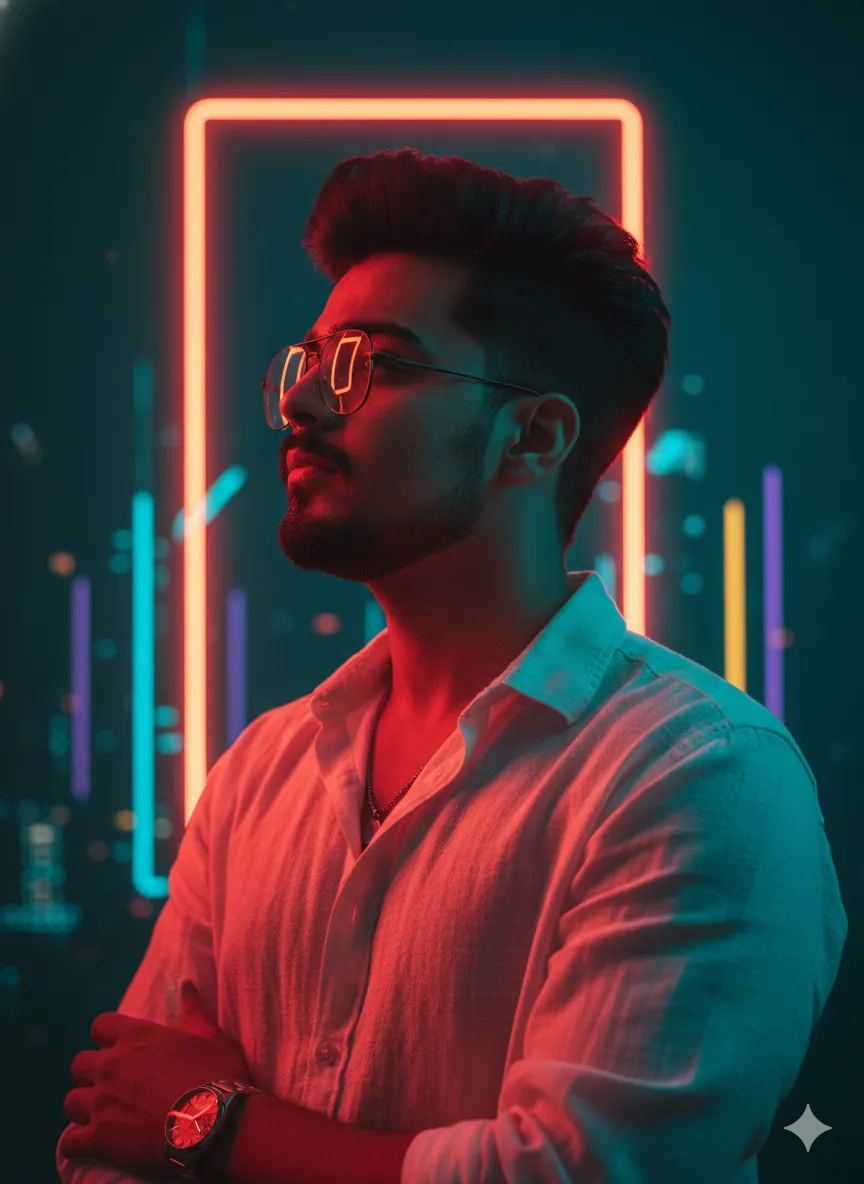
 Cinematic681 copies
 252 copies
Cinematic · Free image prompt
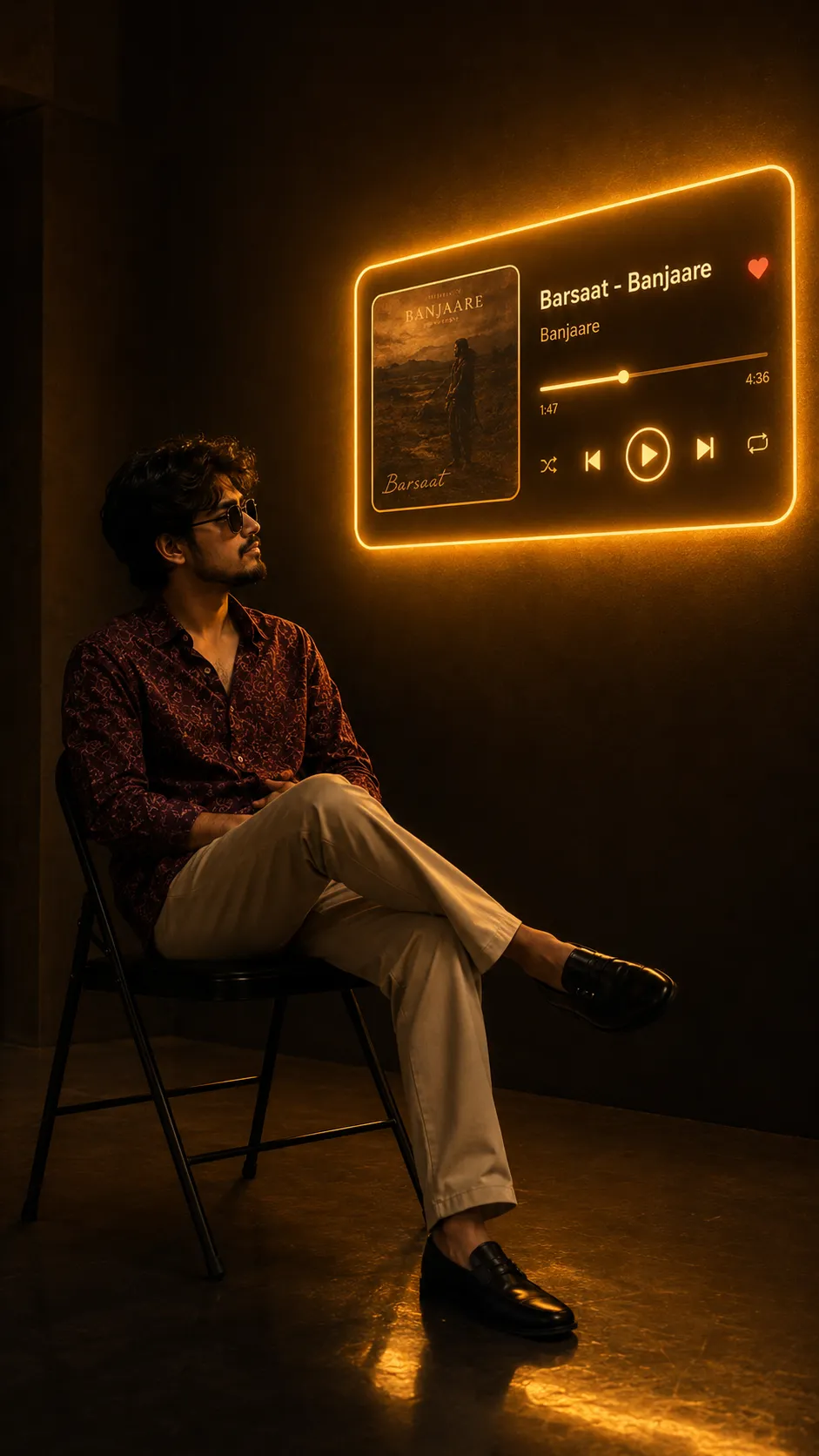
Music Player Photo Prompt
Make this look your own. Copy the full prompt and follow the guide below.
The prompt
Read the guide"A cinematic, atmospheric indoor setting featuring warm amber illumination and pronounced deep shadows. A young man with curly black hair, wearing dark sunglasses, a maroon printed shirt, beige trousers, and black shoes, sits comfortably on a basic black folding chair in a relaxed posture, legs crossed and hands resting in his lap. He faces toward the right side of the frame, gazing slightly upward at a luminous music-player interface displayed on the wall.
The surroundings consist of a dark, minimalist room with a neon-illuminated music card attached to the wall, spreading a golden glow throughout the space. The music card features the song "Barsaat - Banjaare", with Banjaare as the singer/artist, along with the corresponding album artwork positioned on the left and playback controls arranged on the right. The warm neon illumination gently highlights the man's profile while producing subtle reflections across the polished floor.
Captured from a slightly low camera angle with full-body framing, the subject is placed on the left third of the composition while the glowing music card occupies the upper-right third, creating a balanced, visually cinematic arrangement.
The image maintains a rich palette of warm amber tones contrasted against deep shadows, producing a high-contrast, moody, cinematic atmosphere. Volumetric neon illumination adds depth and ambience to the scene. Photographed with a 35mm lens, shallow-to-moderate depth of field, ultra-detailed, photorealistic, premium editorial photography. 9:16 ratio"
No sign-up needed. You can also select and copy the text manually.
More inspiration for you
View all →

SponsoredAd
The creator's guide
How to use Music Player Photo Prompt
Use “Music Player Photo Prompt” as a starting point for your Cinematic creation. The guide below highlights instructions from this specific prompt and shows what to change when adapting it to your own idea.
01
Get ready
Open an AI tool that supports the output you want. Start a new conversation so earlier instructions do not change the result.
02
Copy & create
Copy the complete prompt above, paste it into your AI tool, and generate a first version. Keep the original instructions for your first attempt.
03
Refine one detail
Check the eyes, hands, skin texture, and likeness first. If the face changes too much, ask to preserve the reference identity and remove conflicting appearance instructions.
Inside this prompt
Lighting
A cinematic, atmospheric indoor setting featuring warm amber illumination and pronounced deep shadows
Composition
Captured from a slightly low camera angle with full-body framing, the subject is placed on the left third of the composition while the glowing music card occupies the upper-right third, creating a balanced, visually cinematic arrangement
Style
A cinematic, atmospheric indoor setting featuring warm amber illumination and pronounced deep shadows
Three variations to try
Try one follow-up at a time after generating your first result.
Change the mood
Keep the subject and composition. Replace the lighting with soft natural window light and a calm, muted palette.
Make it your own
Keep the visual style. Replace the setting with a location of your choice and remove any details that conflict with the new scene.
Adapt the framing
Keep the face and identity consistent. Leave extra space around the head and shoulders for a square profile-picture crop.
If your result looks different
The preview is a visual reference, not a guaranteed output. Results vary by model, settings, and reference image. Keep the instructions that matter most, remove contradictions, and change one detail between attempts.