 Car1,131 copies
 378 copies
Car · Free image prompt
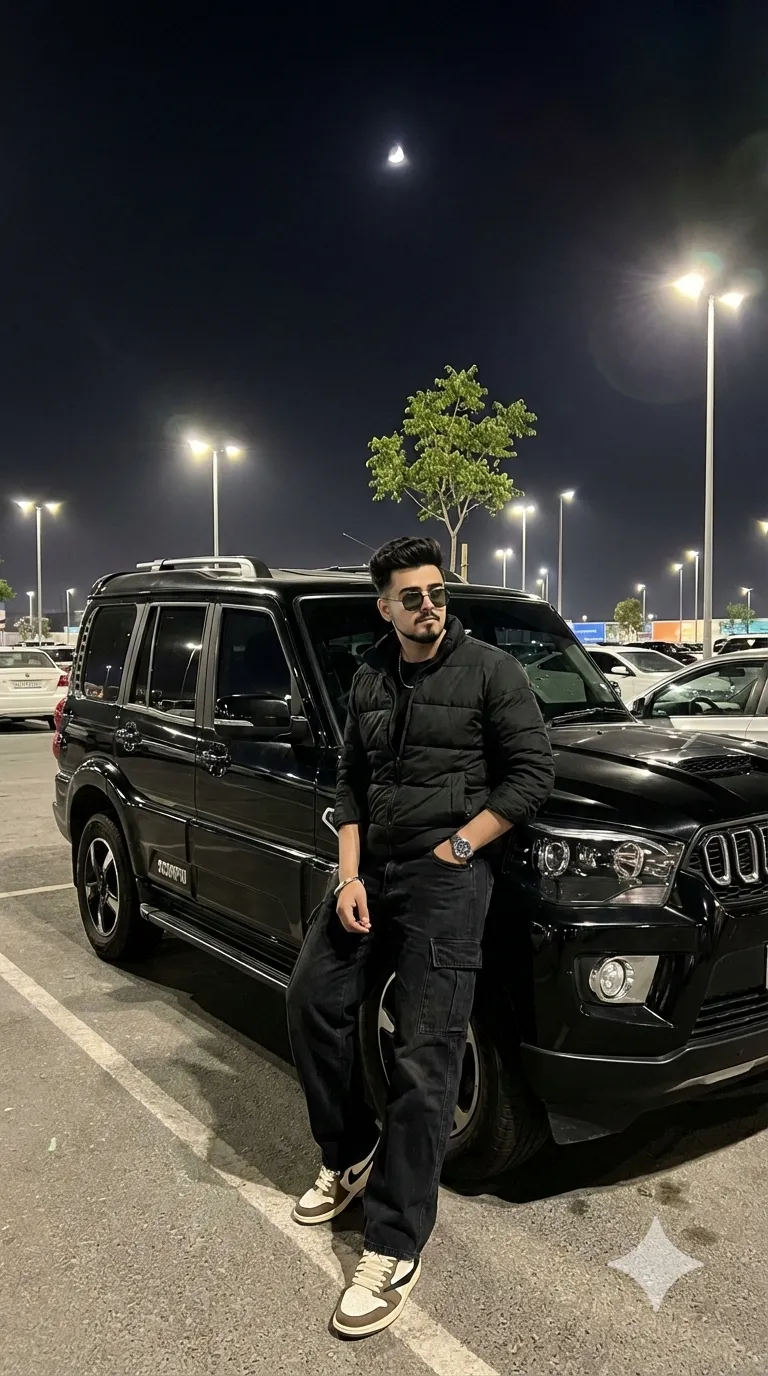
Scorpio Car Prompt
Make this look your own. Copy the full prompt and follow the guide below.
The prompt
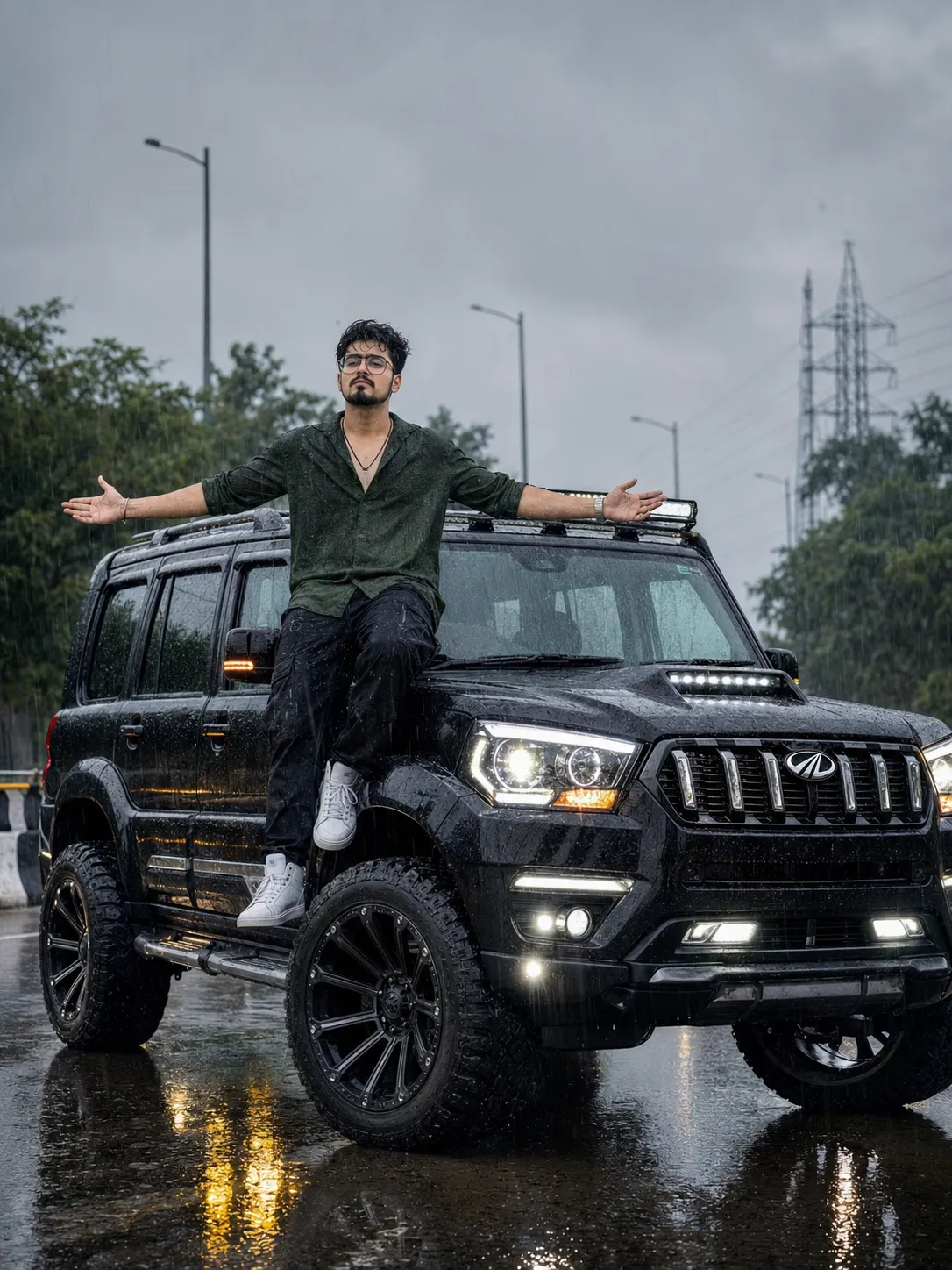
Read the guideCreate an ultra-realistic 3:4 vertical portrait of a stylish young Indian man sitting on the front left fender above the oversized front wheel of a fully modified black Mahindra Scorpio S11. Use the uploaded reference image only as the facial reference and preserve the exact facial identity, facial structure, skin tone, hairstyle, and all distinctive facial features with maximum face consistency.
The subject has medium-long, slightly messy hair, with several wet strands naturally falling onto the forehead. His beard is short and well-groomed.
He is wearing a premium rain-soaked outfit consisting of a dark olive-green textured linen shirt with the top buttons left open, black straight-fit cargo jeans with subtle detailing, a black chain around the neck, a luxury wristwatch, and clean white high-top sneakers. The wet fabric should realistically cling to the body because of the heavy rain.
The vehicle is a completely black Mahindra Scorpio S11 with an aggressive off-road modification package. The SUV features huge, extra-wide all-terrain tires, oversized black alloy wheels, a lifted stance, extended wheel arches, a bonnet scoop, roof rails, a chrome front grille with the Mahindra logo, side steps, and all lights turned on, including the headlights, DRLs, fog lamps, and roof-mounted auxiliary lights. Do not show any license plate number or any text on the tires.
The pose should show the subject sitting confidently above the massive front wheel with both arms spread wide open while enjoying the monsoon rain. His face is turned slightly upward toward the sky, with a relaxed expression as rain falls across his face and clothing.
The location is a wet highway during a powerful monsoon shower. The road surface is covered with water and reflects the SUV and surrounding environment. The background contains lush green trees, roadside barriers, streetlights, and a distant electricity transmission tower beneath an overcast gray sky.
The camera should be positioned far away so that the entire SUV and the surrounding environment are visible in the frame. Keep the image extremely sharp and detailed. Do not blur the subject, the vehicle, or the background.
Ultra-realistic DSLR photography, cinematic monsoon atmosphere, 35mm lens, natural lighting, crystal-clear focus, realistic rain physics, highly detailed skin texture, detailed wet clothing, realistic reflections, HDR, professional automotive photoshoot, 8K quality.
No sign-up needed. You can also select and copy the text manually.
More inspiration for you
View all →
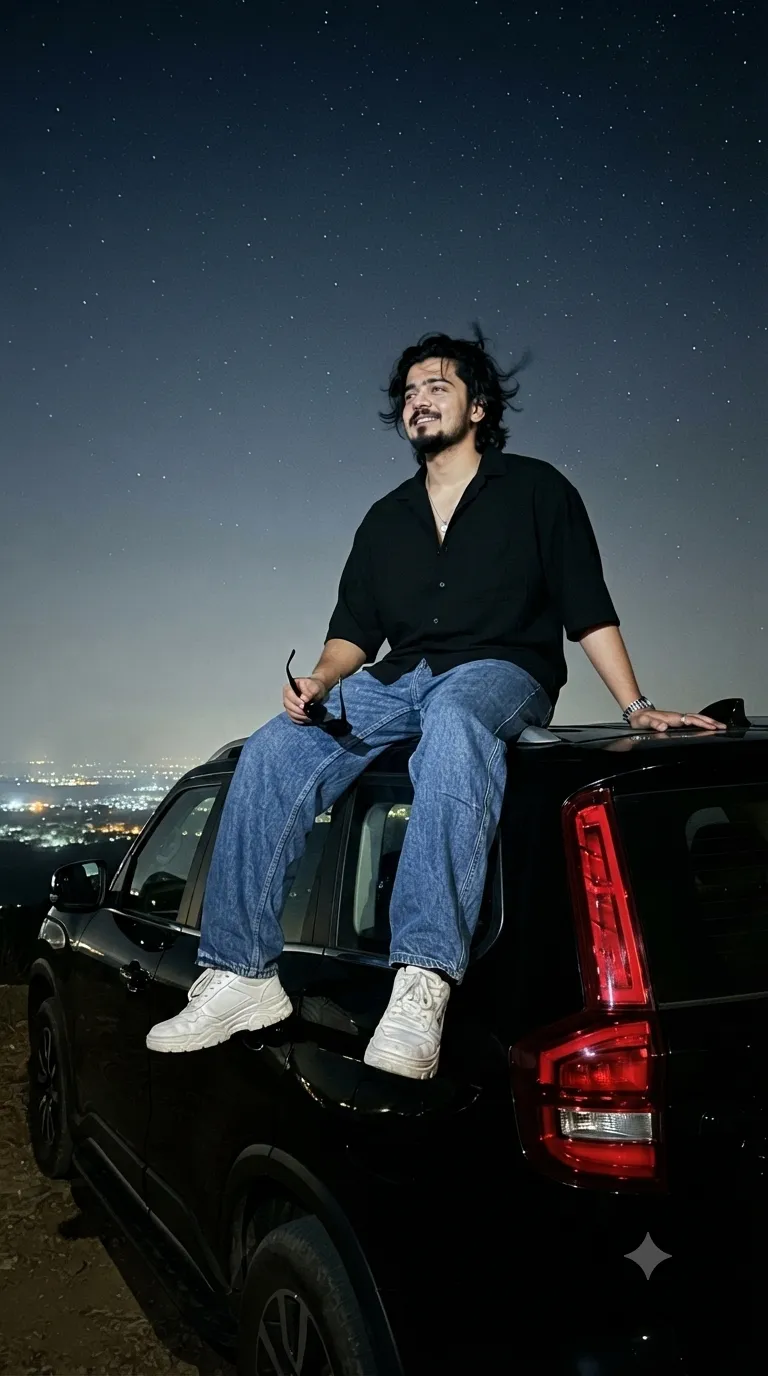
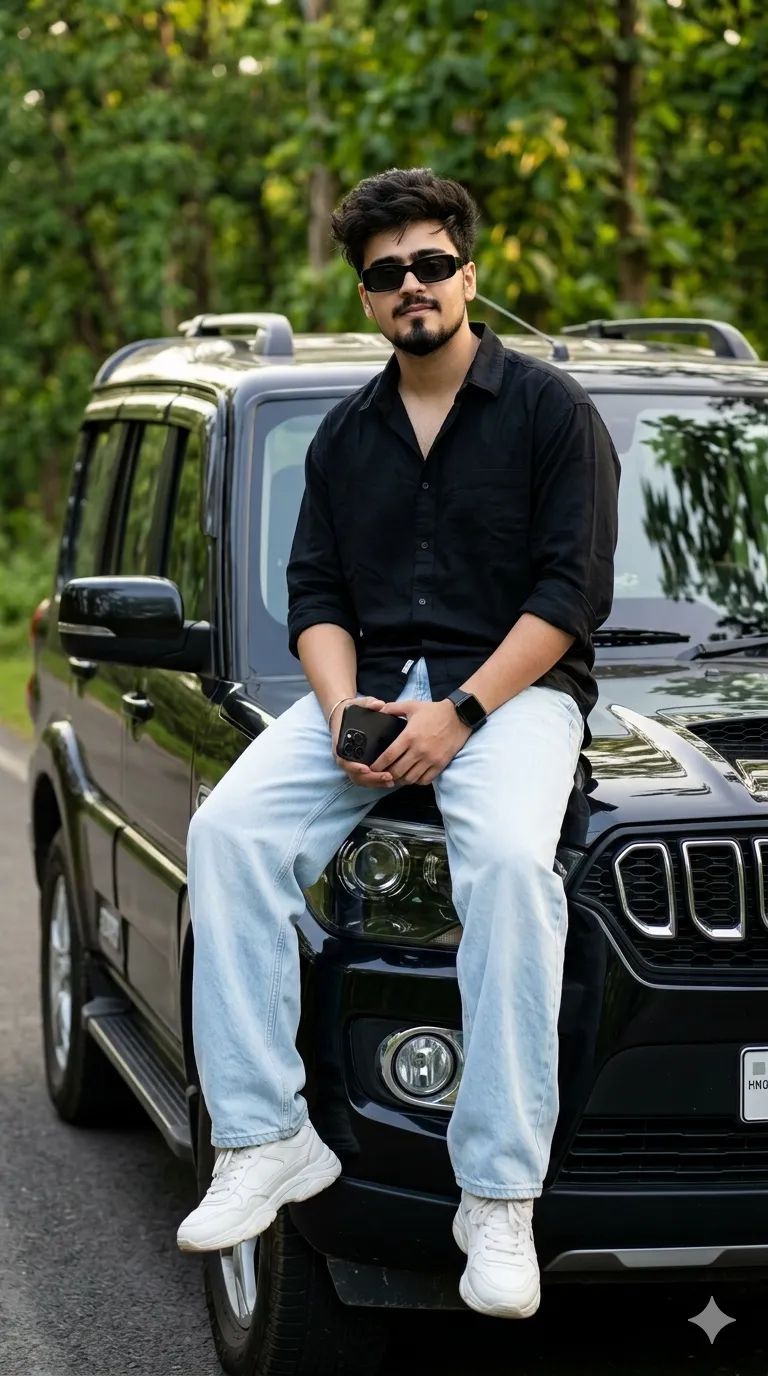
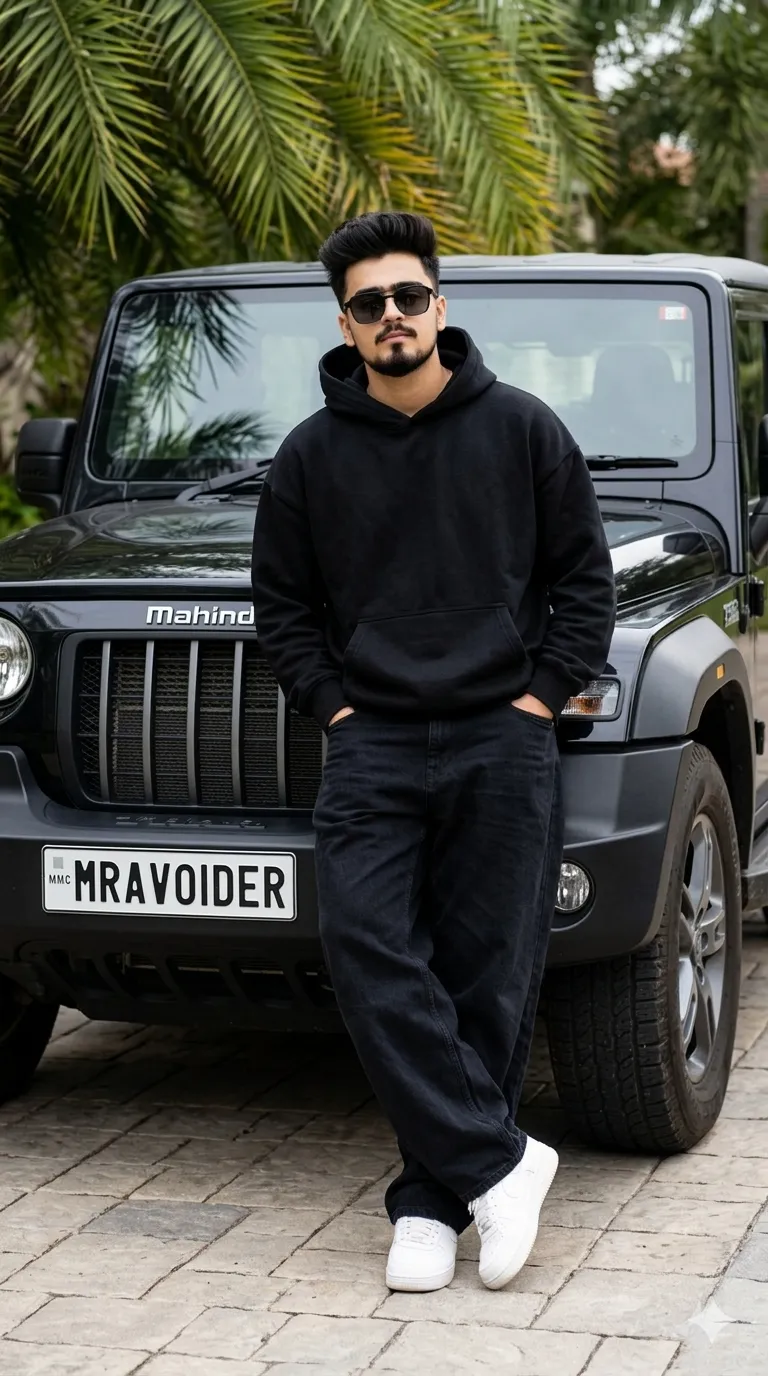
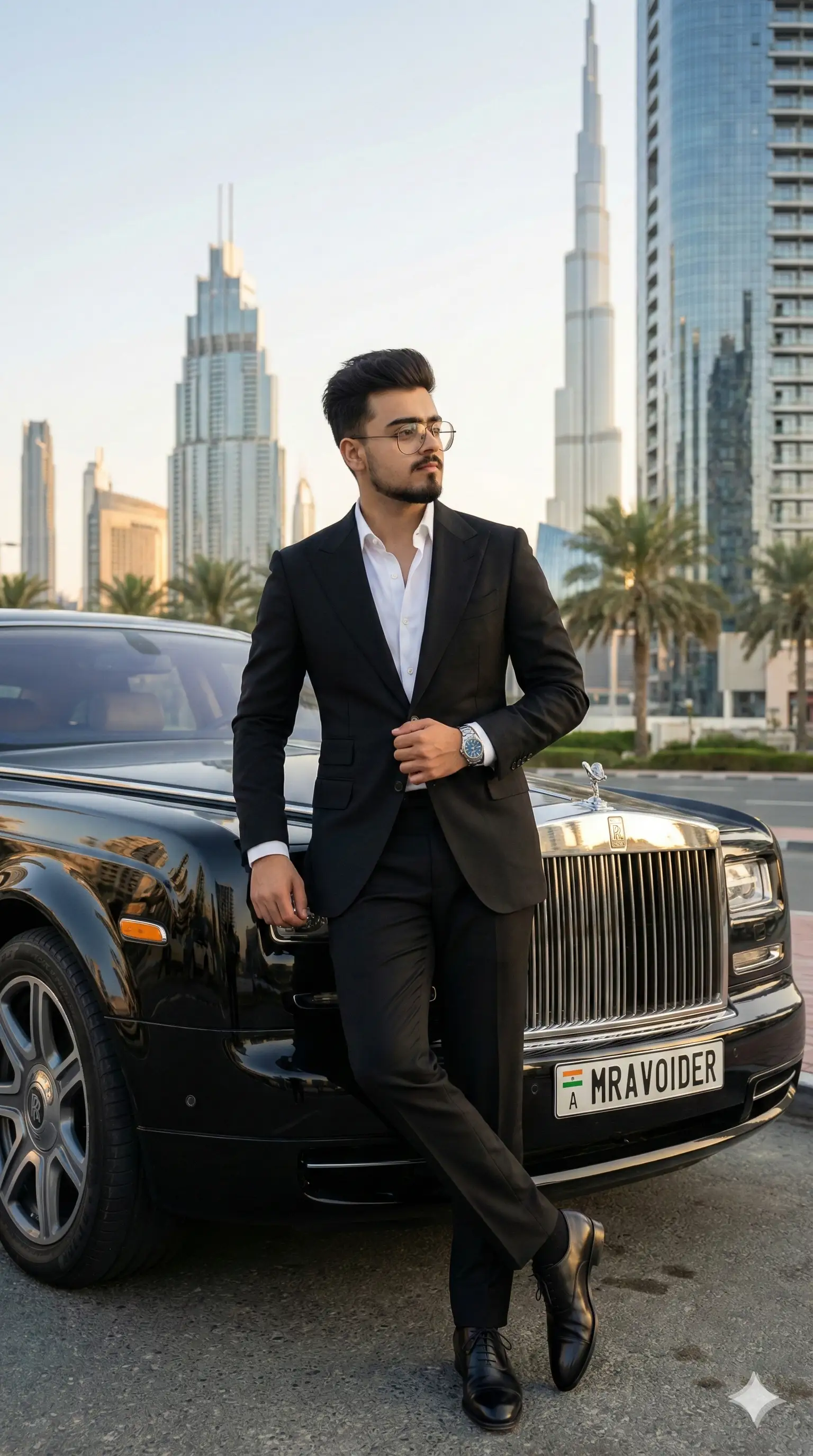
SponsoredAd
The creator's guide
How to use Scorpio Car Prompt
Use “Scorpio Car Prompt” as a starting point for your Car creation. The guide below highlights instructions from this specific prompt and shows what to change when adapting it to your own idea.
01
Get ready
Start with a clear reference photo. Upload it to an AI tool that accepts images before pasting the prompt. Choose a well-lit image with the subject unobstructed.
02
Copy & create
Copy the complete prompt above, paste it into your AI tool, and generate a first version. Keep the original instructions for your first attempt.
03
Refine one detail
Check the eyes, hands, skin texture, and likeness first. If the face changes too much, ask to preserve the reference identity and remove conflicting appearance instructions.
Inside this prompt
Lighting
Ultra-realistic DSLR photography, cinematic monsoon atmosphere, 35mm lens, natural lighting, crystal-clear focus, realistic rain physics, highly detailed skin texture, detailed wet clothing, realistic reflections, HDR, professional autom…
Style
Create an ultra-realistic 3:4 vertical portrait of a stylish young Indian man sitting on the front left fender above the oversized front wheel of a fully modified black Mahindra Scorpio S11
Three variations to try
Try one follow-up at a time after generating your first result.
Change the mood
Keep the subject and composition. Replace the lighting with soft natural window light and a calm, muted palette.
Make it your own
Keep the visual style. Replace the setting with a location of your choice and remove any details that conflict with the new scene.
Adapt the framing
Keep the face and identity consistent. Leave extra space around the head and shoulders for a square profile-picture crop.
If your result looks different
The preview is a visual reference, not a guaranteed output. Results vary by model, settings, and reference image. Keep the instructions that matter most, remove contradictions, and change one detail between attempts.