 Spiritual6,007 copies
 84 copies
Spiritual · Free image prompt
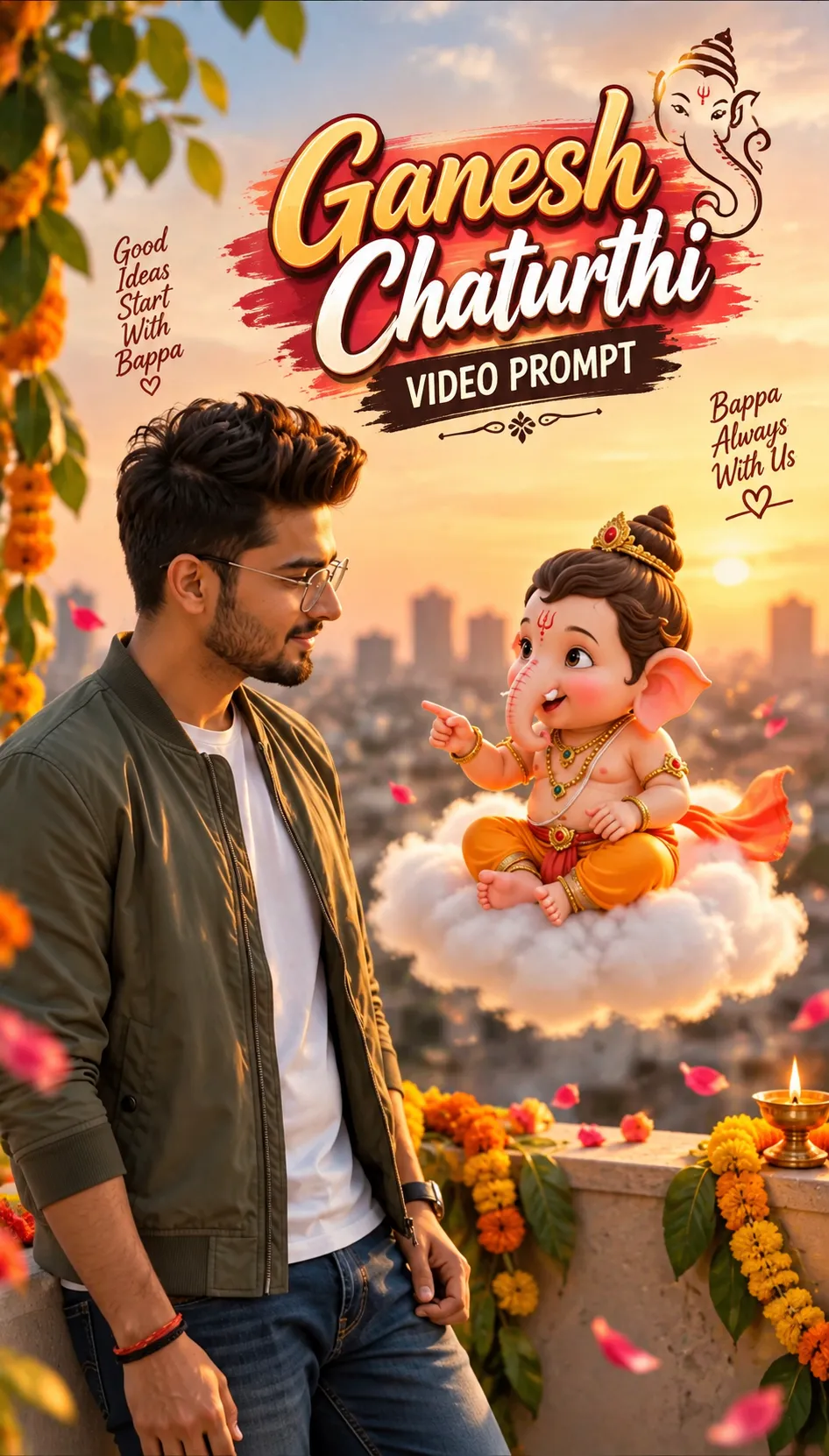
Ganesh Chaturthi Video Prompt
Make this look your own. Copy the full prompt and follow the guide below.
The prompt
Read the guideVideo Generation Prompt (Complete Sequence with Text & Ending Transition)
> Prompt: A vertical 9:16 cinematic video, exactly 10 seconds long, featuring a seamless three-part sequence:
> Part 1: The Conversation (0-7 seconds): A person (strictly preserving the facial identity and features from the uploaded reference image) stands on an open sunny rooftop during golden hour, wearing modern casual clothes, leaning against a terrace wall. Floating beside them at eye level is an adorable 3D-animated baby Lord Ganesha sitting on a glowing white cloud. The person listens attentively. Bal Ganesh smiles, gestures warmly, and speaks with synchronized lip movement: "Bas tum mujhe yaad karna, aur kehna, 'Om Gam Ganapataye Namah', aur itna kehte hi, main haazir ho jaunga!"
> Part 2: The Divine Text (7-8.5 seconds): A magical burst of golden light transitions the screen to a deep, dark cosmic background. Majestic, glowing golden and red 3D text appears beautifully centered on the screen: "ॐ गं गणपतये नमः".
> Part 3: The Majestic Reveal (8.5-10 seconds): The text dissolves smoothly into a grand, highly detailed, cinematic close-up portrait of an adult Lord Ganesha. The face is adorned with traditional glowing ornaments, a majestic crown (Mukut), and a divine aura in rich, vibrant colors.
> Style: 4k resolution, sharp focus, seamless blend of photorealistic human subject with Pixar-style 3D animation, transitioning into high-end cinematic fantasy art for the ending.
>
Change my clothes accroingly
No sign-up needed. You can also select and copy the text manually.
More inspiration for you
View all →
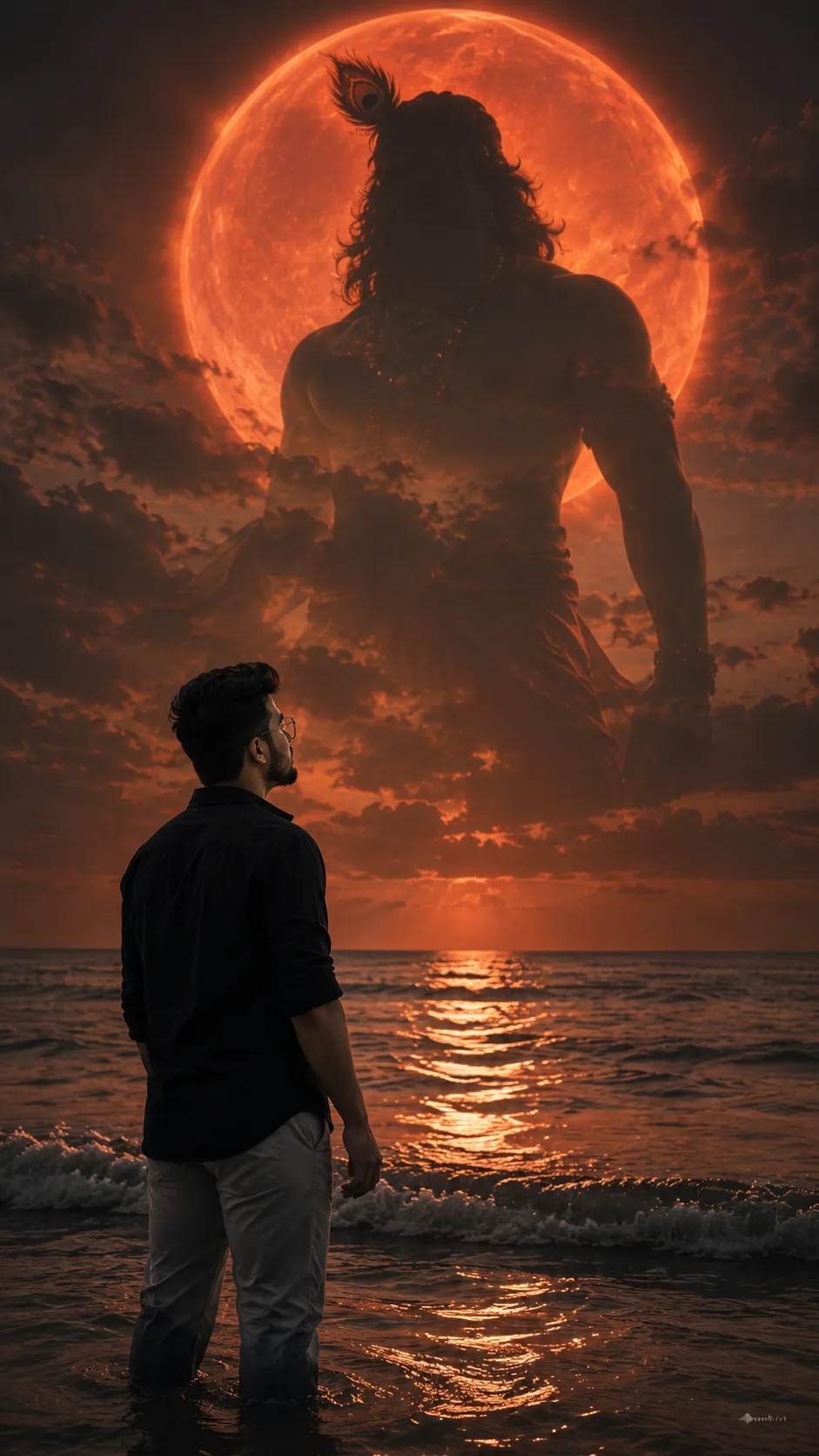
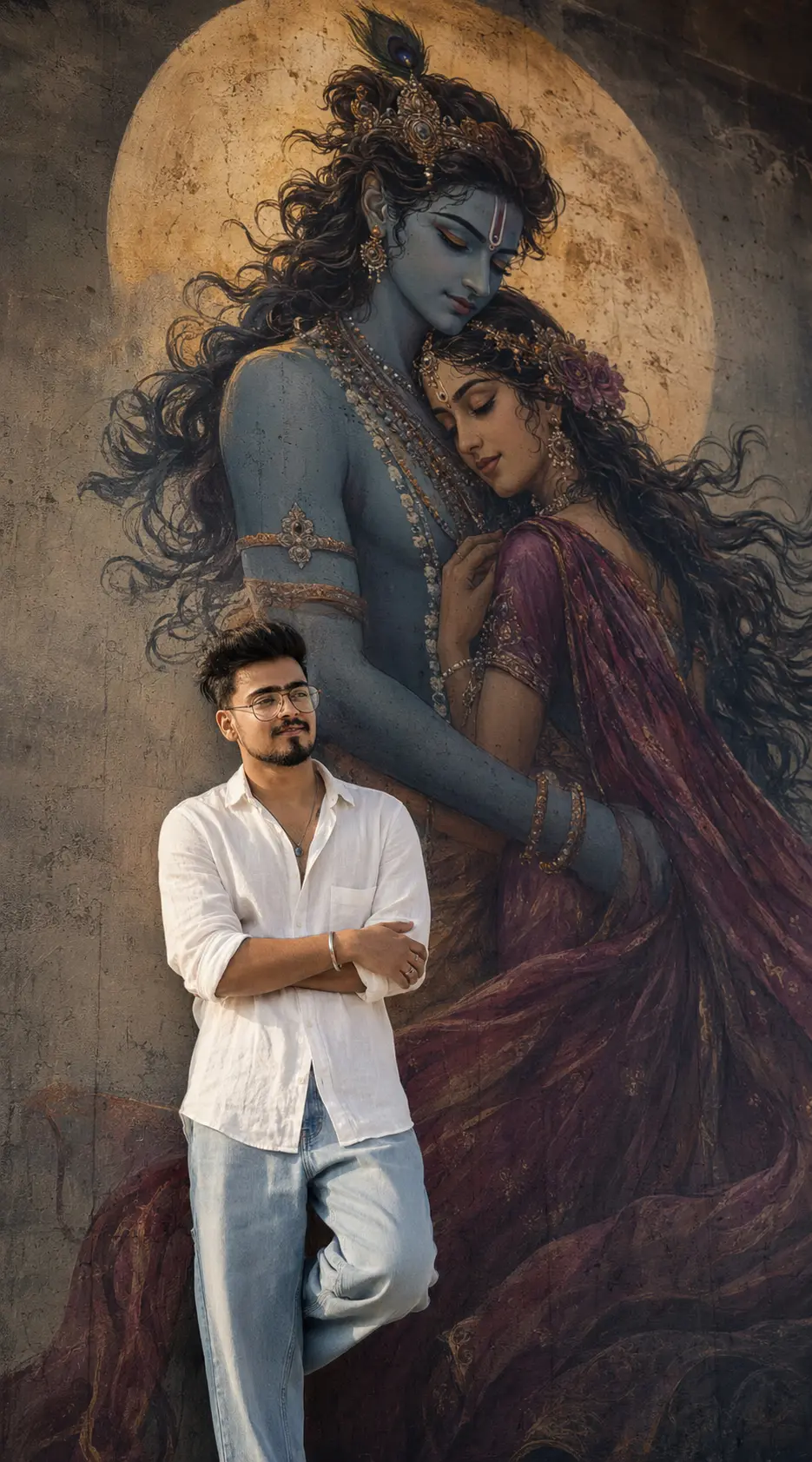
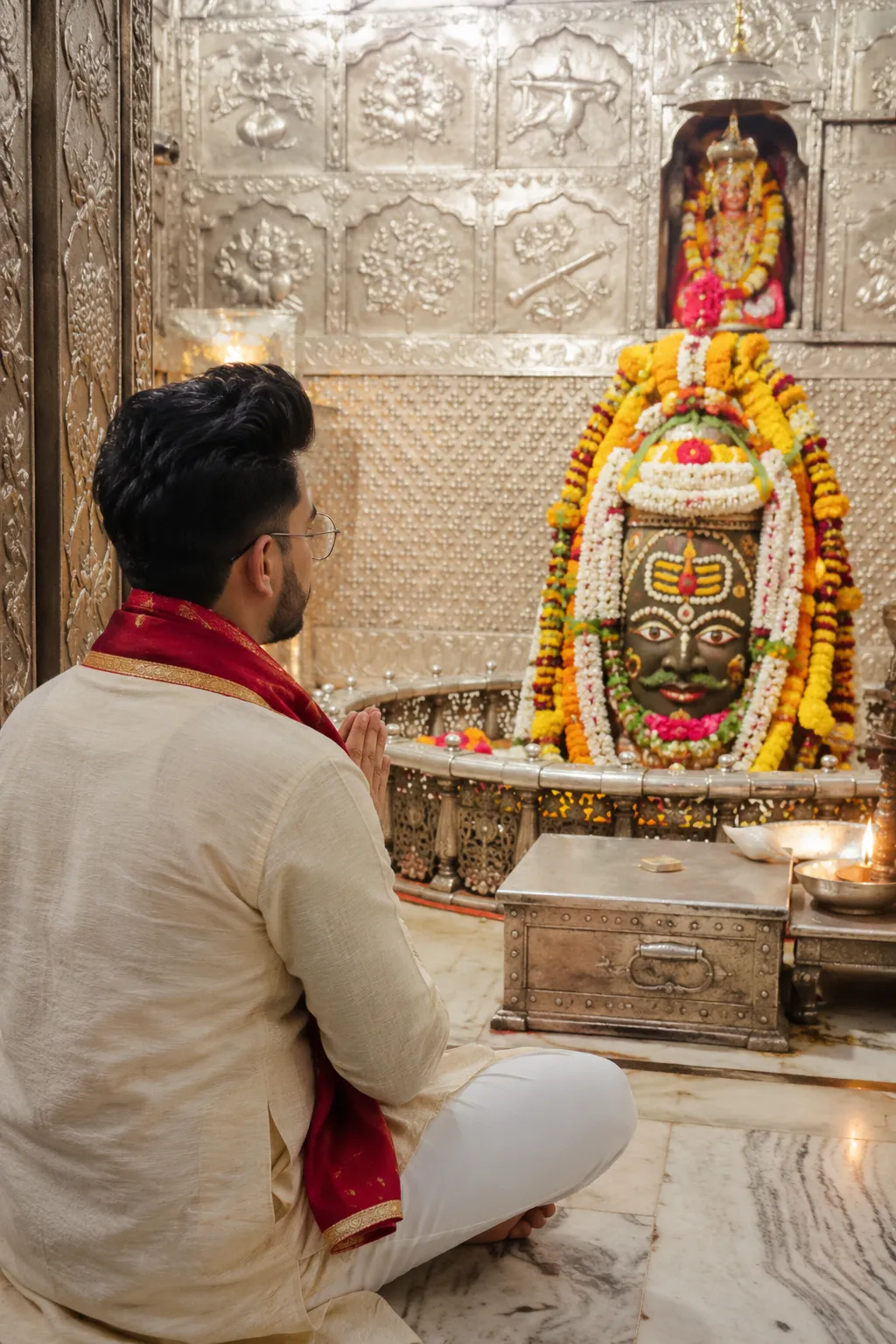

SponsoredAd
The creator's guide
How to use Ganesh Chaturthi Video Prompt
Use “Ganesh Chaturthi Video Prompt” as a starting point for your Spiritual creation. The guide below highlights instructions from this specific prompt and shows what to change when adapting it to your own idea.
01
Get ready
Start with a clear reference photo. Upload it to an AI tool that accepts images before pasting the prompt. Choose a well-lit image with the subject unobstructed.
02
Copy & create
Copy the complete prompt above, paste it into your AI tool, and generate a first version. Keep the original instructions for your first attempt.
03
Refine one detail
Check the eyes, hands, skin texture, and likeness first. If the face changes too much, ask to preserve the reference identity and remove conflicting appearance instructions.
Inside this prompt
Lighting
> Part 1: The Conversation (0-7 seconds): A person (strictly preserving the facial identity and features from the uploaded reference image) stands on an open sunny rooftop during golden hour, wearing modern casual clothes, leaning agains…
Composition
5-10 seconds): The text dissolves smoothly into a grand, highly detailed, cinematic close-up portrait of an adult Lord Ganesha
Style
> Prompt: A vertical 9:16 cinematic video, exactly 10 seconds long, featuring a seamless three-part sequence:
Three variations to try
Try one follow-up at a time after generating your first result.
Change the mood
Keep the subject and composition. Replace the lighting with soft natural window light and a calm, muted palette.
Make it your own
Keep the visual style. Replace the setting with a location of your choice and remove any details that conflict with the new scene.
Adapt the framing
Keep the face and identity consistent. Leave extra space around the head and shoulders for a square profile-picture crop.
If your result looks different
The preview is a visual reference, not a guaranteed output. Results vary by model, settings, and reference image. Keep the instructions that matter most, remove contradictions, and change one detail between attempts.