 Spiritual6,008 copies
 235 copies
Spiritual · Free image prompt
Hanuman Ji Gemini Prompt
Make this look your own. Copy the full prompt and follow the guide below.
The prompt
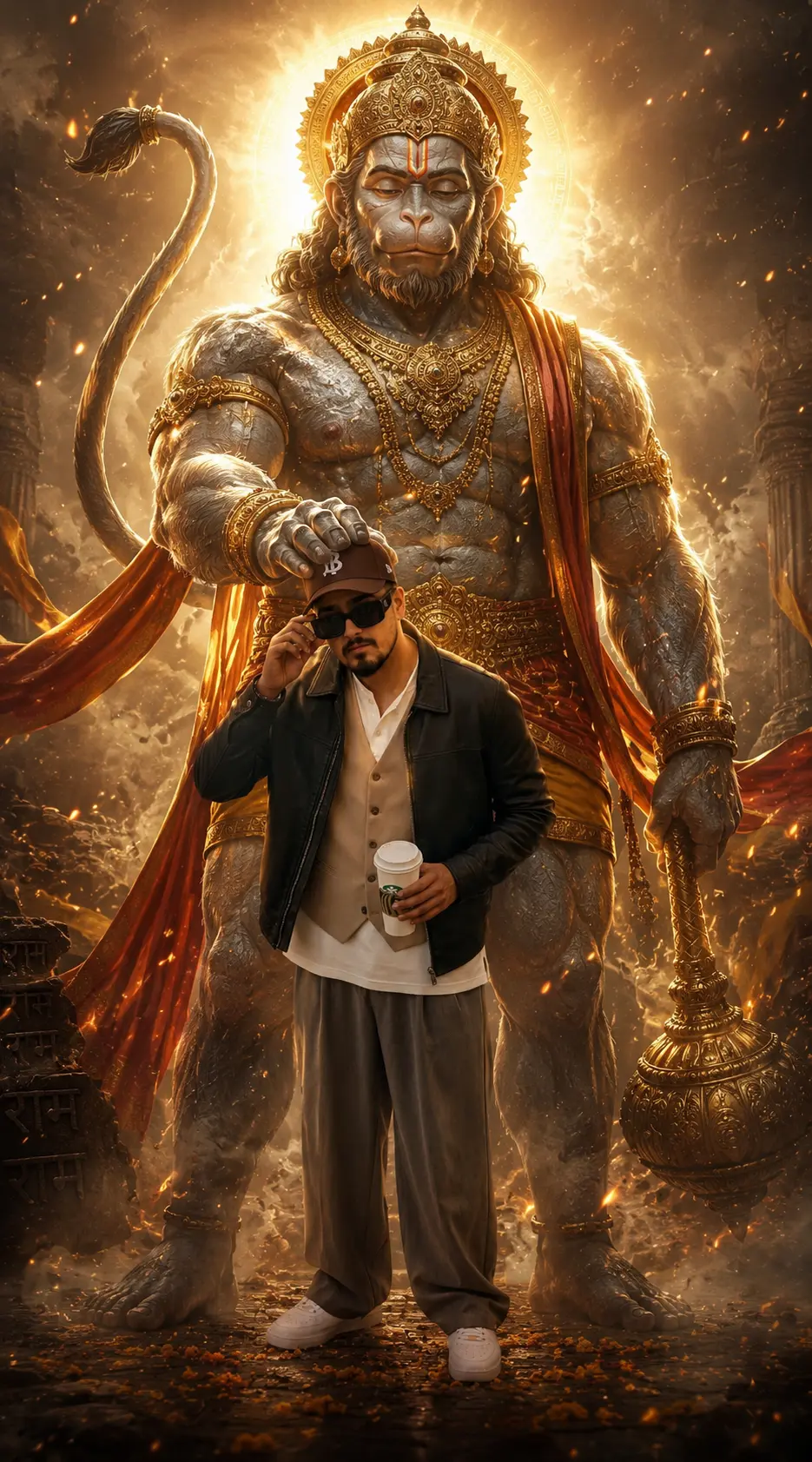
Read the guideUltra-realistic cinematic fantasy artwork of Lord Hanuman (Bajrangbali) standing behind a muscular devotee, blessing him by softly placing one divine hand over his head, full-body frame composition.
Hanuman appears massive, sacred, and powerfully built with stone-textured grey skin, detailed golden mukut, traditional dhoti, divine jewelry and ornaments, glowing celestial aura, bright halo behind the head, and intense spiritual presence.
Epic devotional atmosphere mixed with powerful fitness aesthetics, floating golden embers, dust particles, smoky cinematic environment, glowing sparks suspended in the air, mystical energy surrounding the scene.
Extremely detailed anatomy, sharp muscle definition, realistic human skin texture, sweat highlights on the athlete’s body, ultra-sharp focus, natural shadows and highlights.
Dramatic low-angle cinematic shot, volumetric god rays, high contrast lighting, heavenly glow, Unreal Engine quality render, fantasy realism, masterpiece composition, ultra-detailed 8K UHD, hyper-realistic digital art.
Keep the body shape, muscle proportions, pose, and physique exactly identical with no modifications.
No sign-up needed. You can also select and copy the text manually.
More inspiration for you
View all →
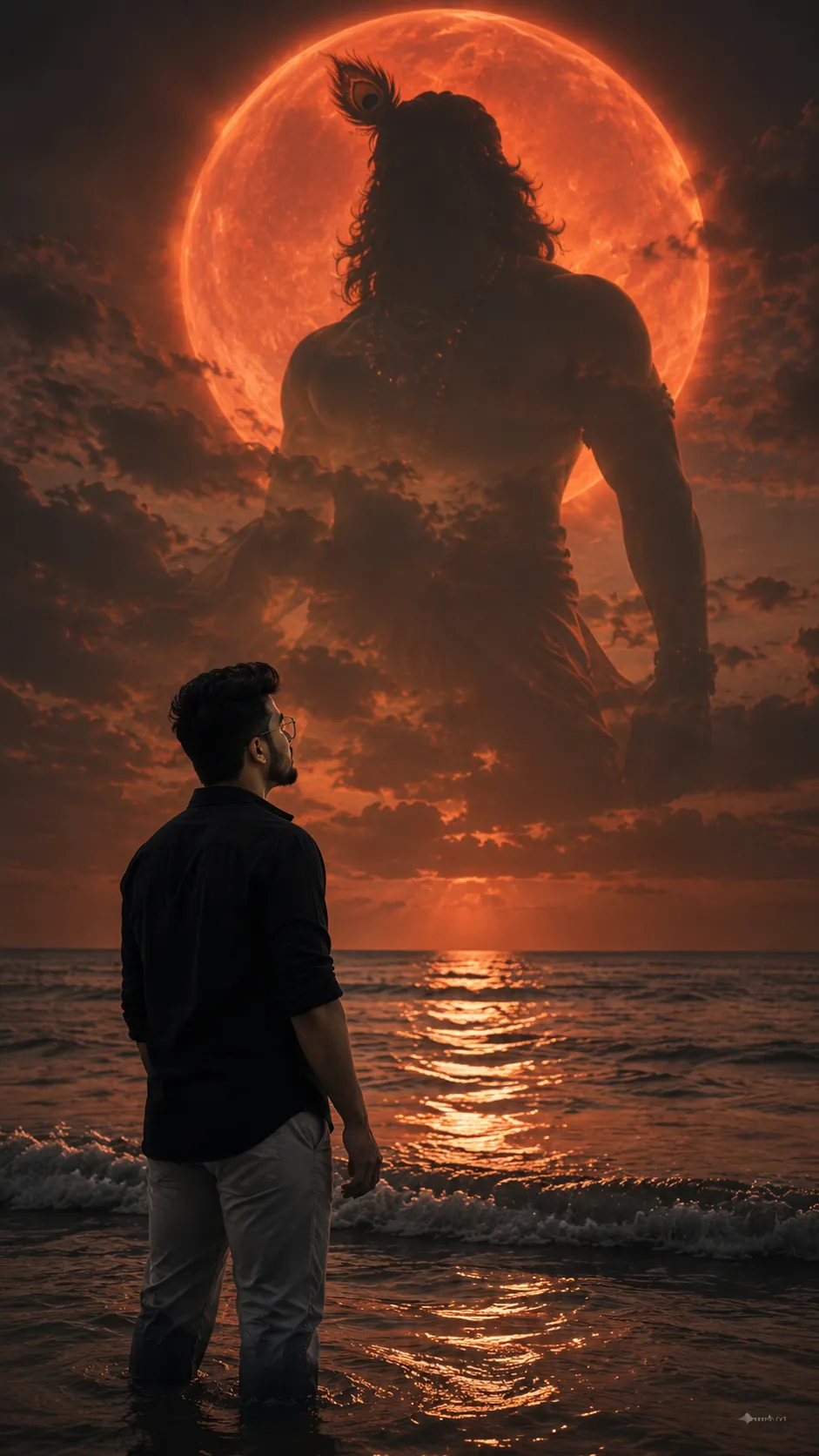
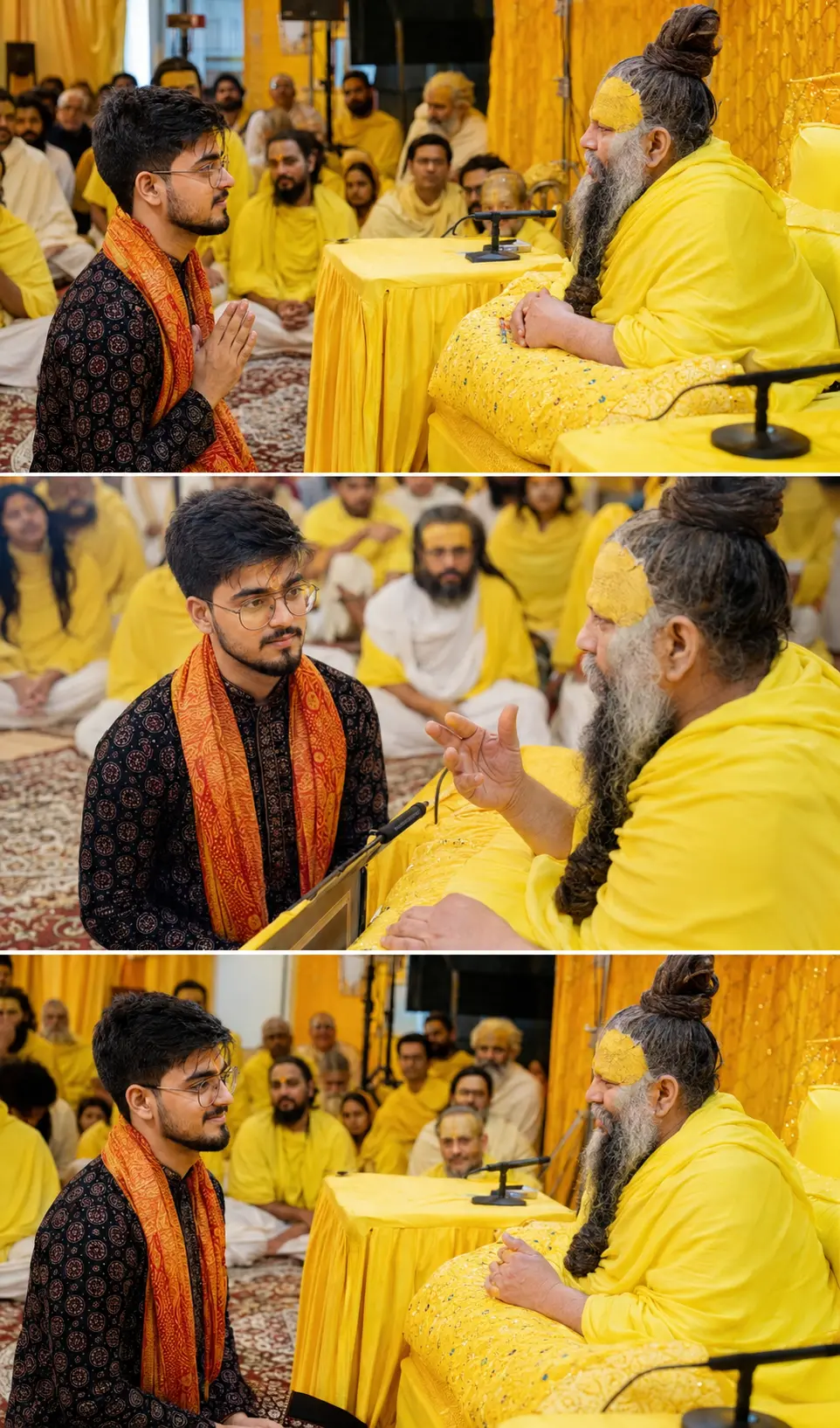
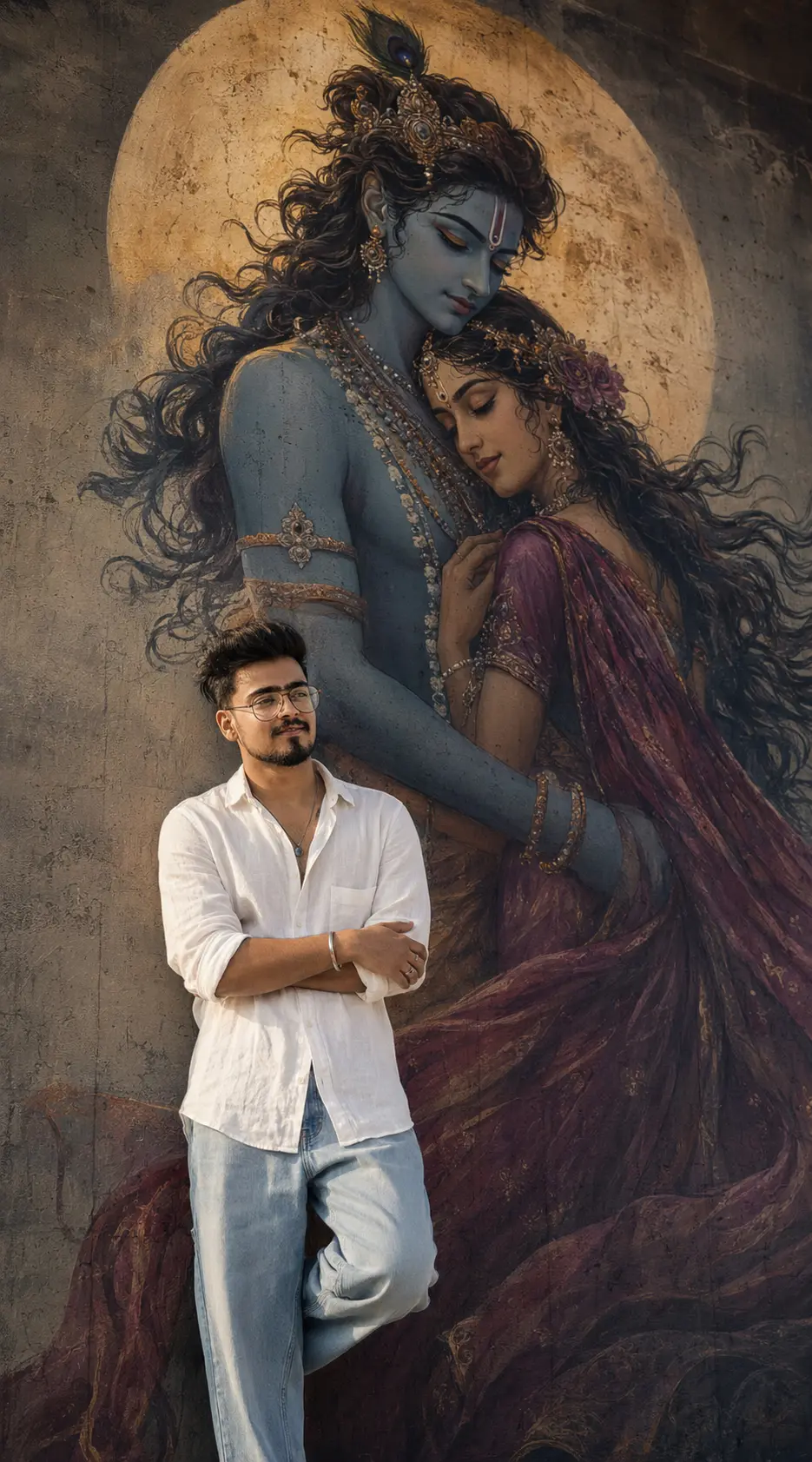
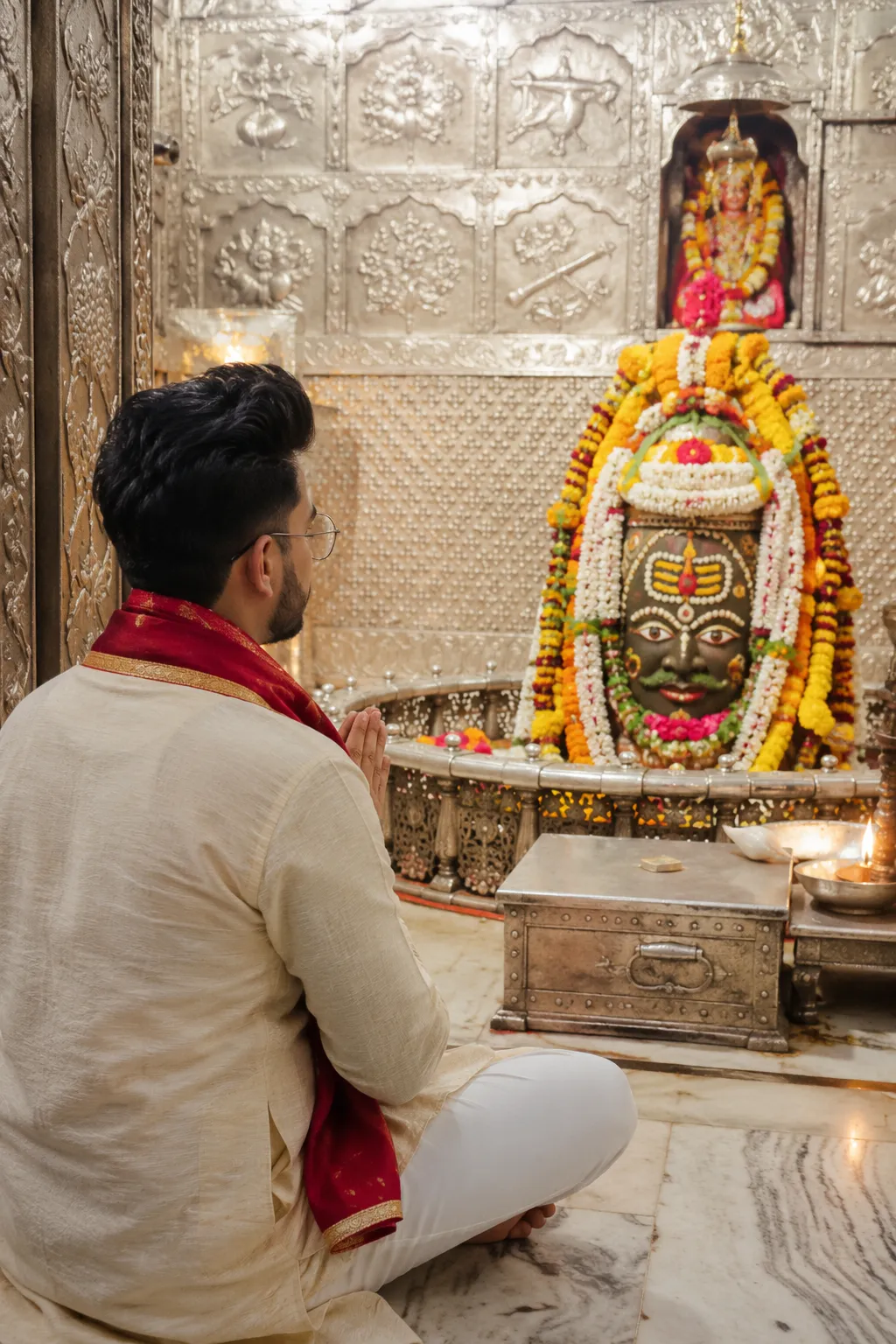

SponsoredAd
The creator's guide
How to use Hanuman Ji Gemini Prompt
Use “Hanuman Ji Gemini Prompt” as a starting point for your Spiritual creation. The guide below highlights instructions from this specific prompt and shows what to change when adapting it to your own idea.
01
Get ready
Open an AI tool that supports the output you want. Start a new conversation so earlier instructions do not change the result.
02
Copy & create
Copy the complete prompt above, paste it into your AI tool, and generate a first version. Keep the original instructions for your first attempt.
03
Refine one detail
Check the eyes, hands, skin texture, and likeness first. If the face changes too much, ask to preserve the reference identity and remove conflicting appearance instructions.
Inside this prompt
Lighting
Dramatic low-angle cinematic shot, volumetric god rays, high contrast lighting, heavenly glow, Unreal Engine quality render, fantasy realism, masterpiece composition, ultra-detailed 8K UHD, hyper-realistic digital art
Composition
Ultra-realistic cinematic fantasy artwork of Lord Hanuman (Bajrangbali) standing behind a muscular devotee, blessing him by softly placing one divine hand over his head, full-body frame composition
Style
Ultra-realistic cinematic fantasy artwork of Lord Hanuman (Bajrangbali) standing behind a muscular devotee, blessing him by softly placing one divine hand over his head, full-body frame composition
Three variations to try
Try one follow-up at a time after generating your first result.
Change the mood
Keep the subject and composition. Replace the lighting with soft natural window light and a calm, muted palette.
Make it your own
Keep the visual style. Replace the setting with a location of your choice and remove any details that conflict with the new scene.
Adapt the framing
Keep the face and identity consistent. Leave extra space around the head and shoulders for a square profile-picture crop.
If your result looks different
The preview is a visual reference, not a guaranteed output. Results vary by model, settings, and reference image. Keep the instructions that matter most, remove contradictions, and change one detail between attempts.